Customize individual ads
Learn how to edit individual ads in a batch without changing the rest of the batch.
Use Edit individually when one or more ads in a batch need their own copy or settings.
Step-by-step guide
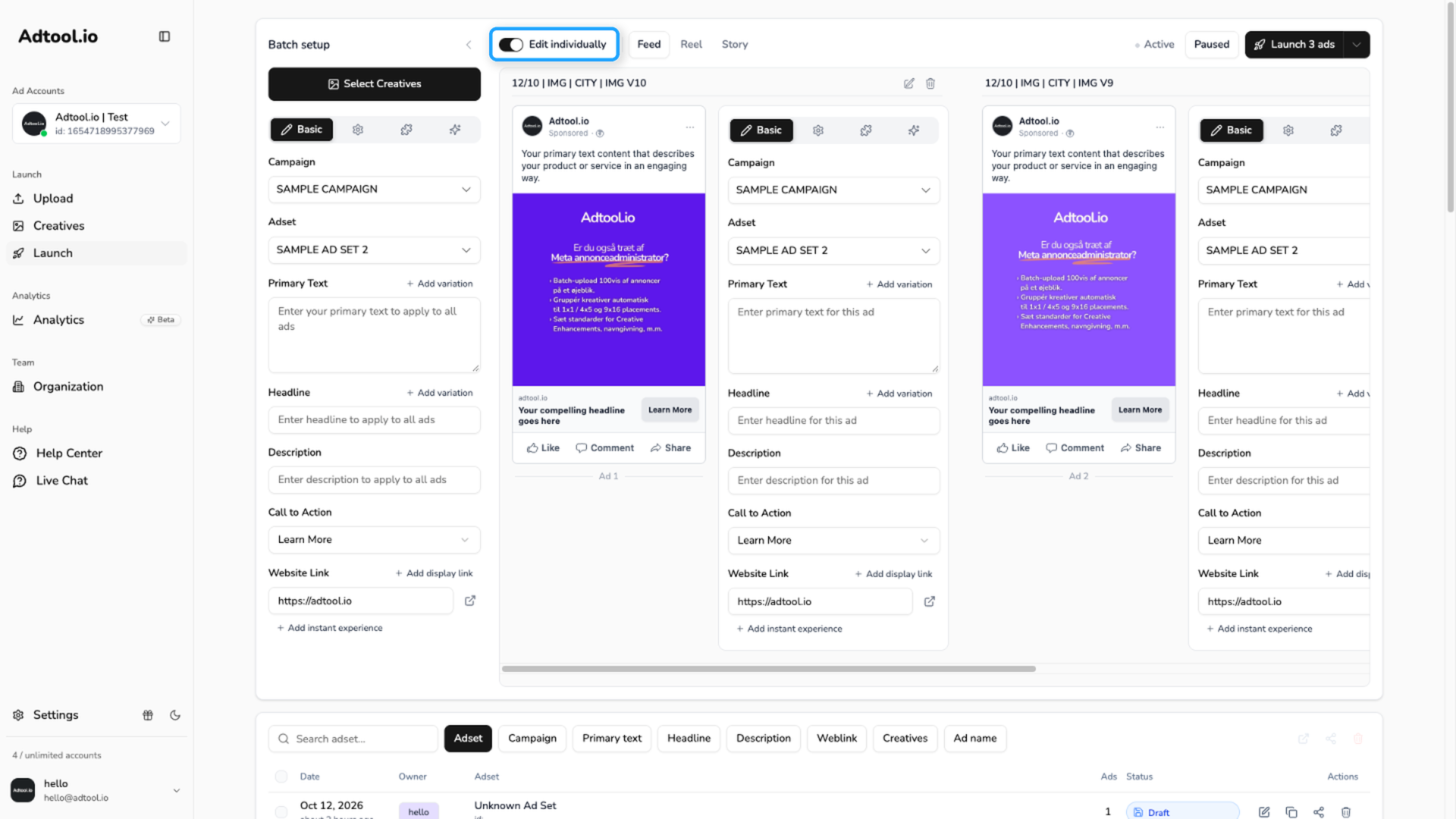
Go to Launch and turn on Edit individually
The switch is in the toolbar above the ad previews. Each ad card then shows its own form.
Find the ad you want to customize
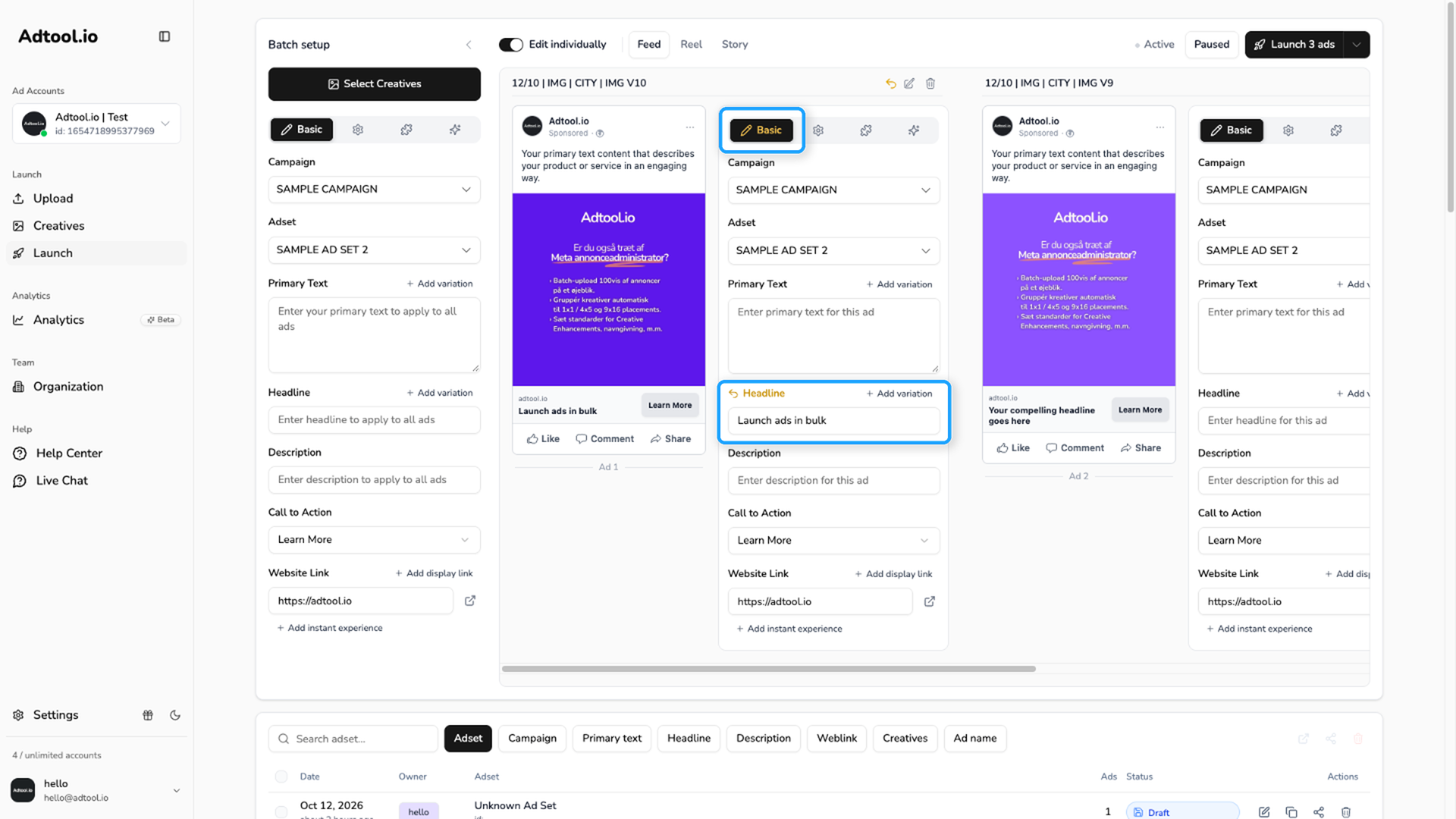
Each ad card has the same four tabs as the main form: Basic, Setup, Add-ons, and Enhancements. Open the tab you need and change the field for that ad. You can also give an ad its own campaign and ad set on the Basic tab.
A changed field gets a yellow label, and its tab turns yellow too. Later changes on the main form, such as updating the text for all ads at once, do not overwrite that field. To go back to the batch value, click the yellow label.
Language ads can only be set for the whole batch, not for a single ad.
Video guide
Was this helpful?
Still need help? Ask the team