Relaunch
Learn how to relaunch a previous batch and adjust it before launching again.
Use the relaunch function when you want to reuse a previous batch as the starting point for a new launch.
Relaunch reuses the ads and assets from a previous batch. Ads in Adtool are not locked to the original campaign or ad set hierarchy like they are in Meta, so you can launch the same ads into completely different campaign objectives without losing any of the assets you have created.
Step-by-step guide
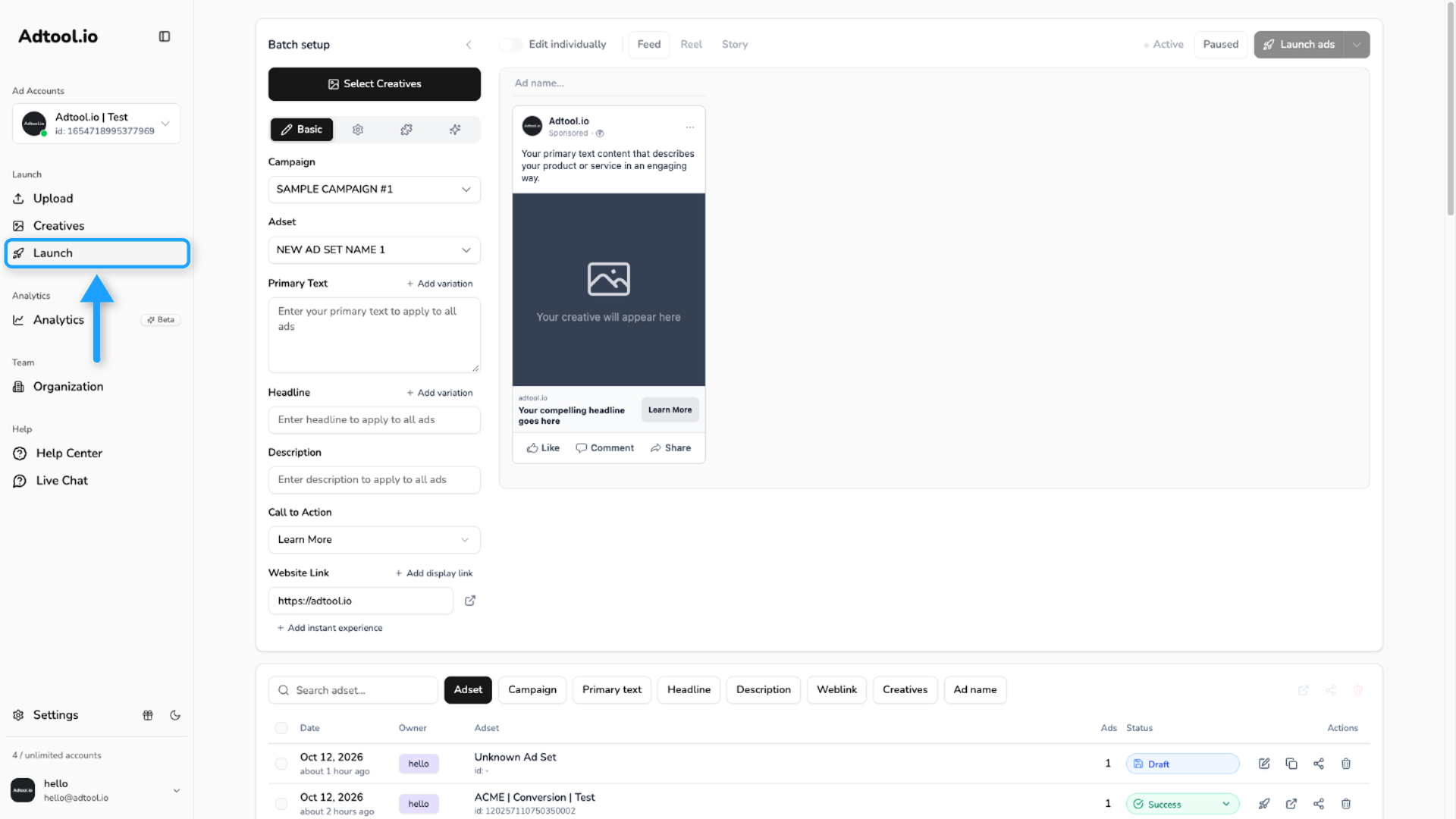
Find the batch in the batch upload history
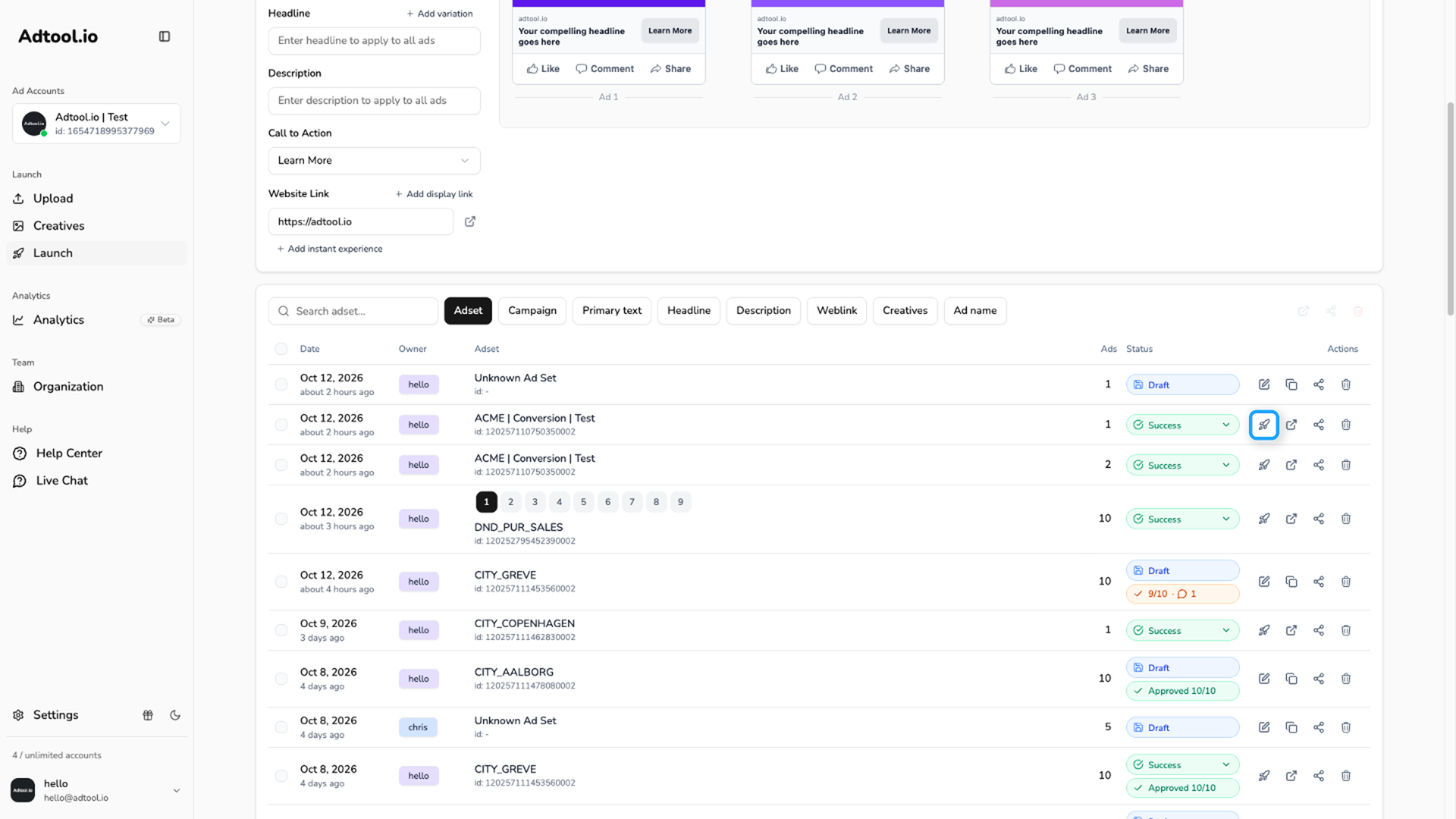
Scroll to the batch upload history and click the rocket icon next to the batch you want to relaunch.
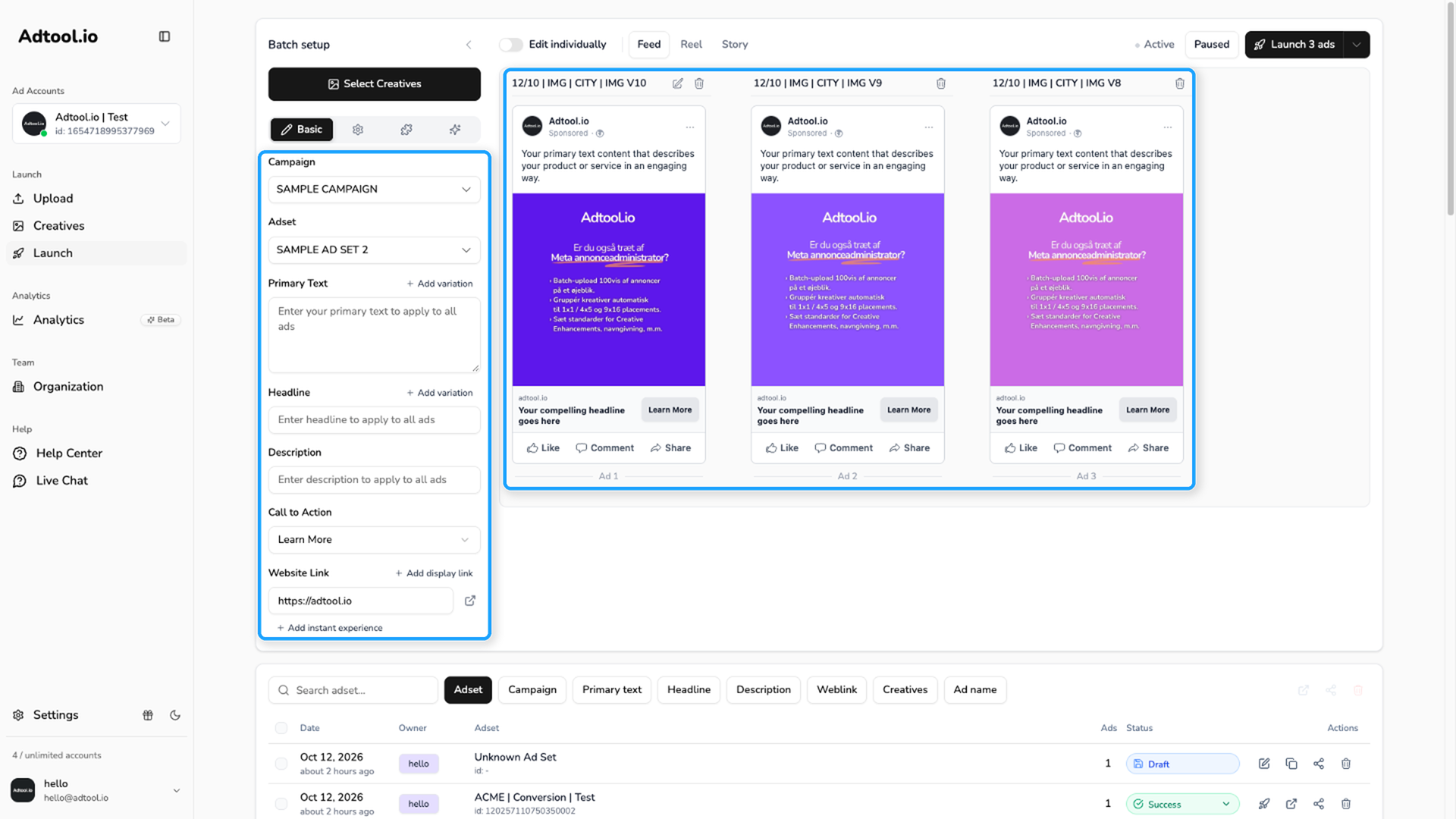
Review the restored batch
Adtool restores the text fields, creatives, settings, and other batch details from the previous upload. You can adjust text, creatives, campaigns, naming, or other settings before launching again.
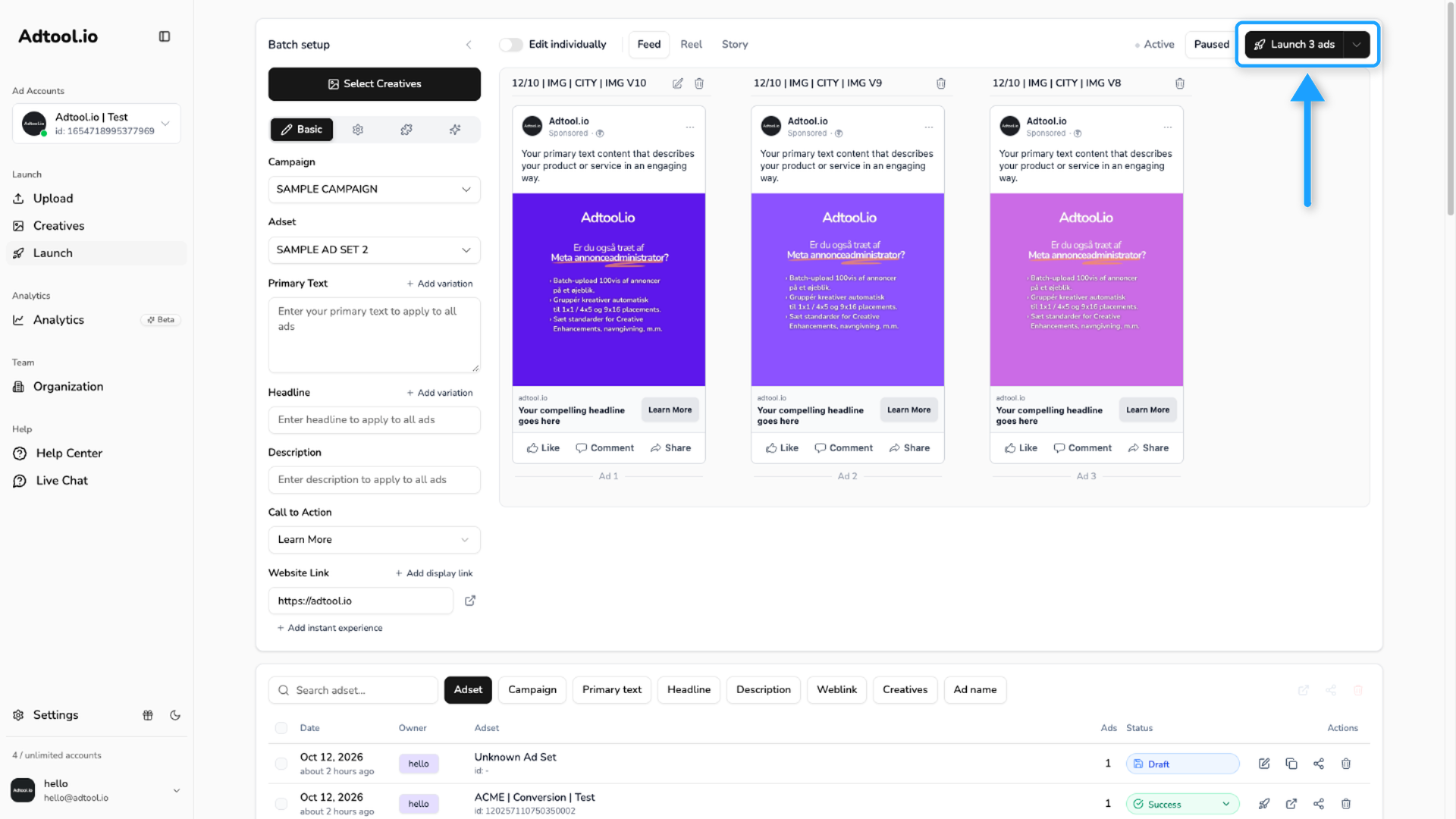
Keep engagement with Post ID reuse
When relaunching, you can turn on Post ID reuse in the Reuse batch dialog to point the new ad variations at the same underlying Meta post as the original, so existing likes, comments, and shares carry over instead of starting at zero. See Reuse the same post across ads for details.
Video guide
Was this helpful?
Still need help? Ask the team