Instant Experience ads
Use an existing Instant Experience built in Meta as your ad's destination.
Instead of sending people to a website, you can point your ad at an Instant Experience, the full-screen mobile experience you build in Meta. Adtool lets you attach one of your existing Instant Experiences as the ad's destination.
Step-by-step guide
Go to Launch and set up your ad as usual
Build your ad and choose your destination the way you normally would.
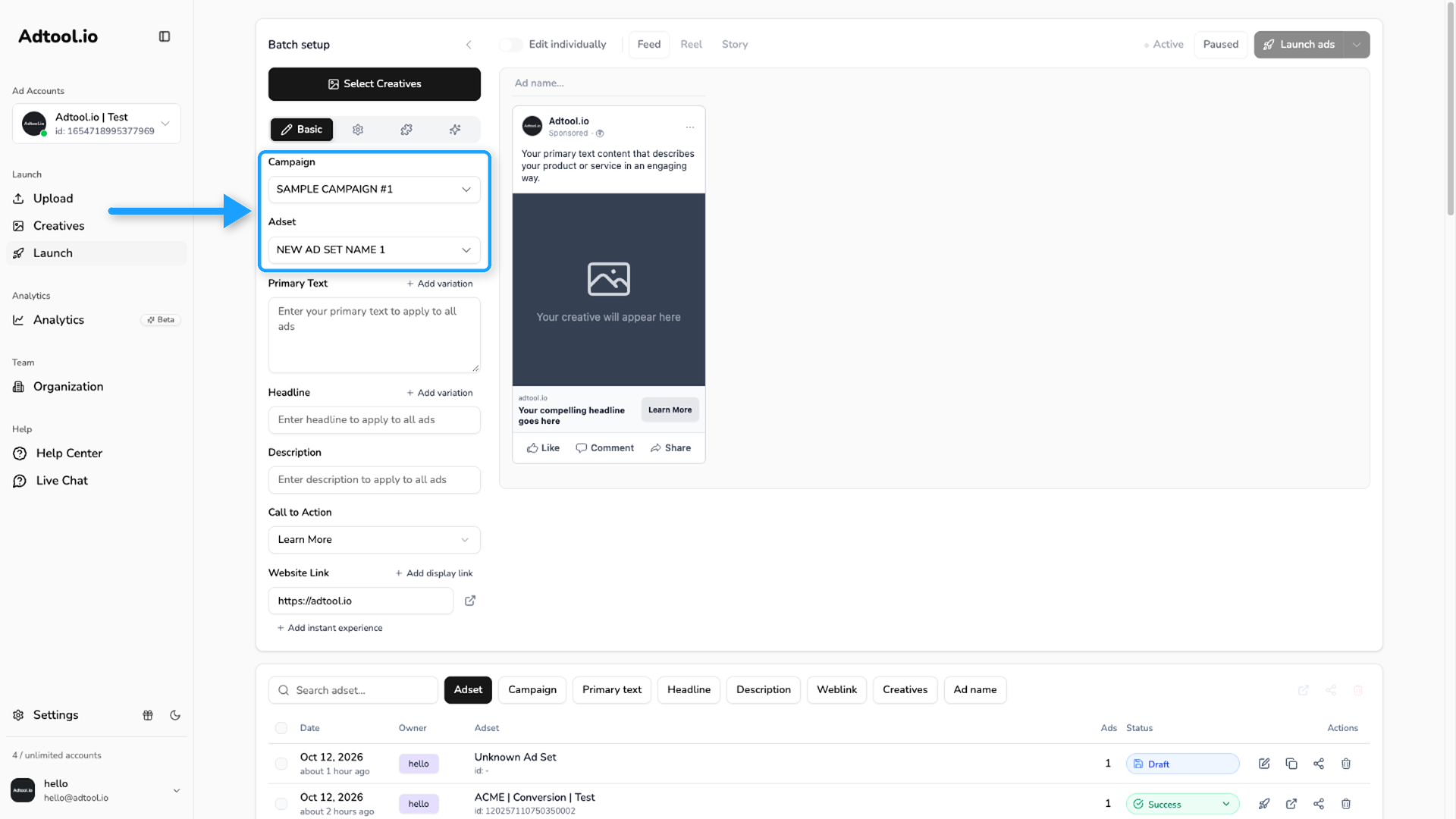
Select your Campaign and Ad set
Choose the campaign and ad set for this batch. The Instant Experience option only becomes available once a campaign and ad set are selected, so Adtool can pull the matching Instant Experiences from the connected page.
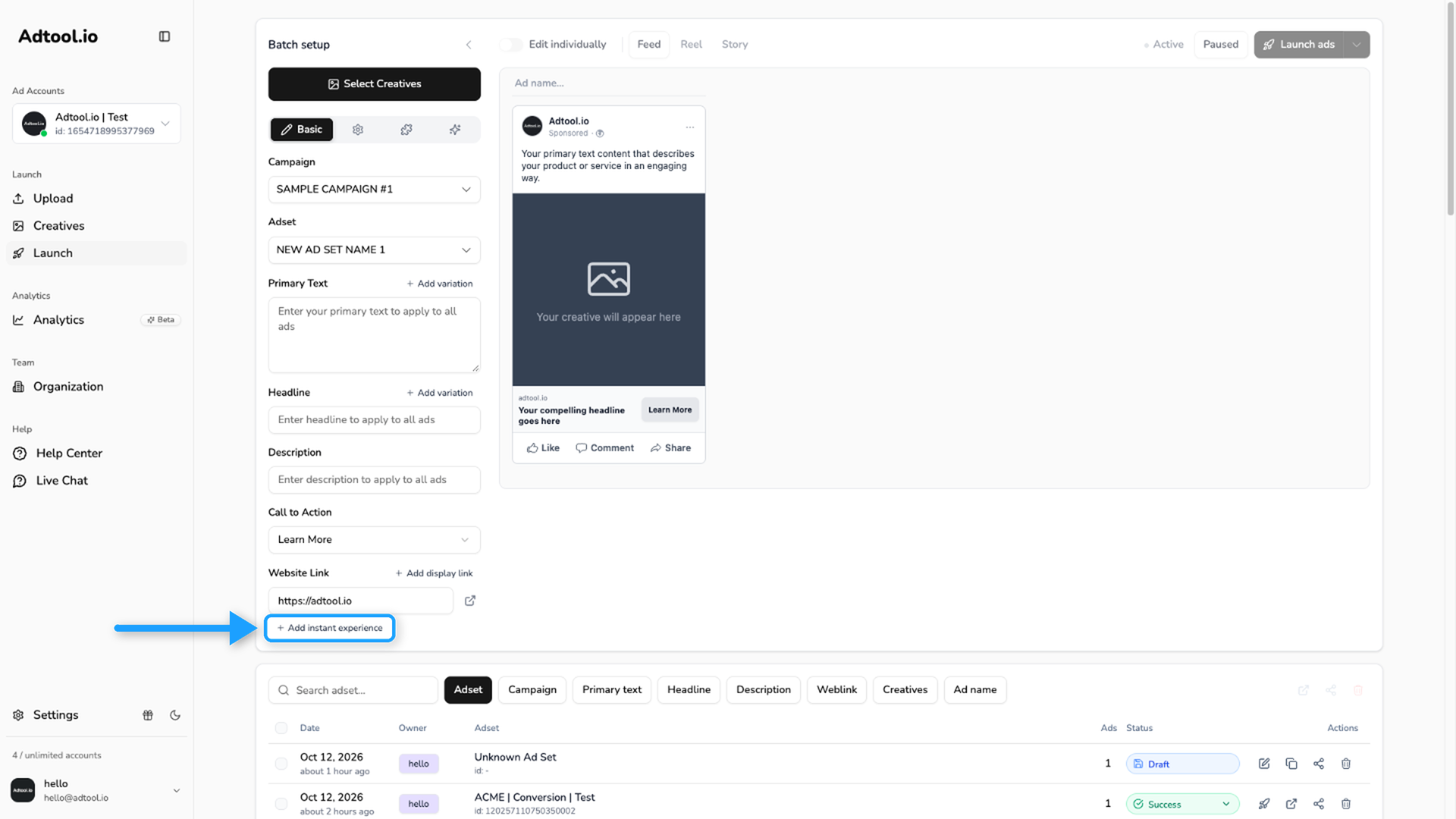
Click Add instant experience
On the Basic tab, under Website Link, there is a button to use an Instant Experience instead. Click Add instant experience.
Choose an Instant Experience
Adtool shows the Instant Experiences you have already created and published on your connected Facebook page. Select the one you want to use.
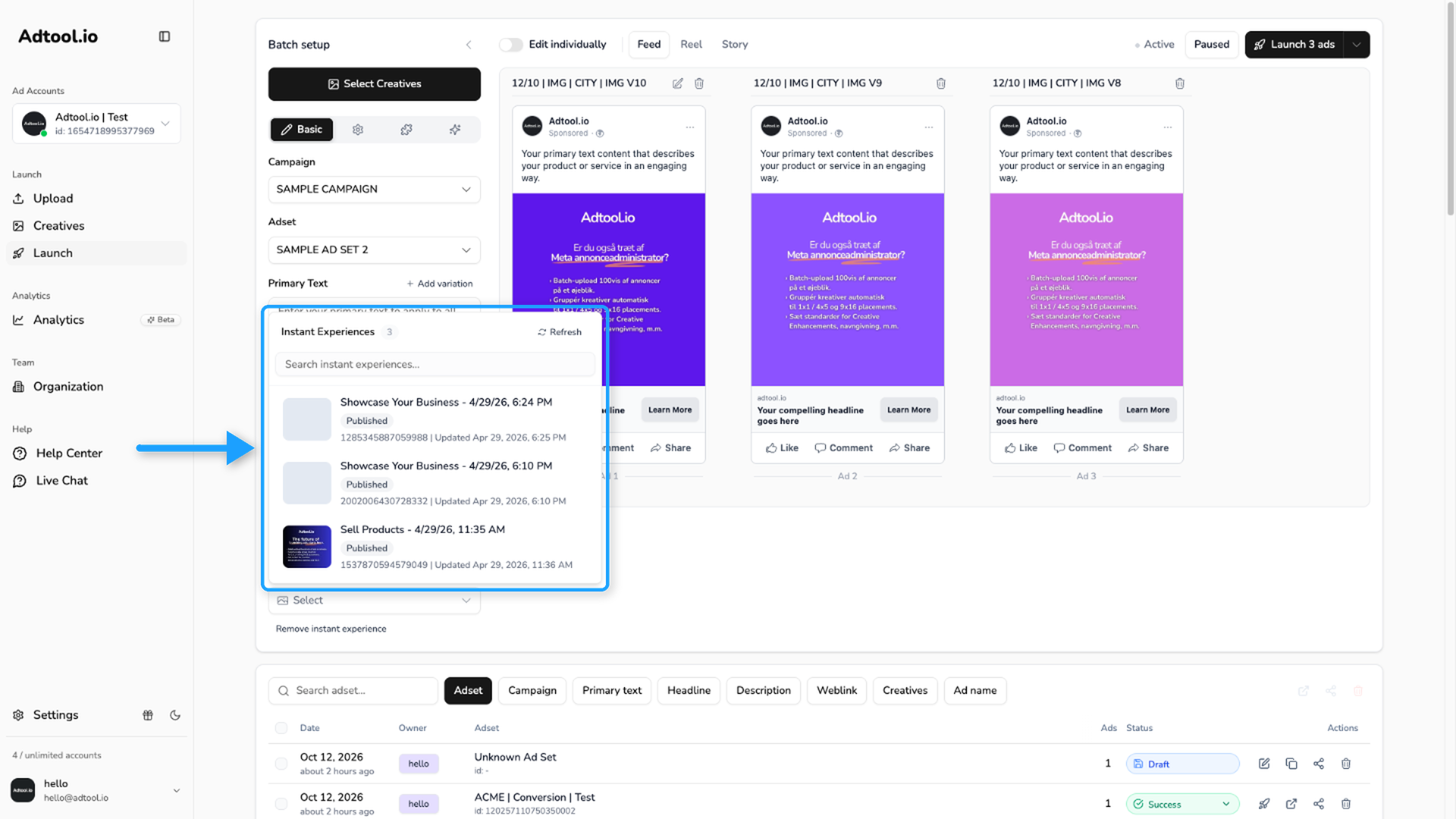
Only published Instant Experiences from the connected page appear here. If one you just created isn't showing, refresh the list so Adtool pulls the latest set from Meta.
Adtool doesn't build Instant Experiences. You create and edit them in Meta, and once an Instant Experience is published on your Facebook page it appears in Adtool so you can select it.
Was this helpful?
Still need help? Ask the team