Launch existing ads using post-id
Keep likes, comments, and shares by reusing the same underlying post instead of creating a new one.
Post ID reuse lets you relaunch a batch while pointing the new ads at the same underlying Meta post as before, instead of creating a fresh post each time. Because it's the same post, any likes, comments, and shares it already has carry over and keep building, so your engagement stays on one post instead of resetting to zero.
Step-by-step guide
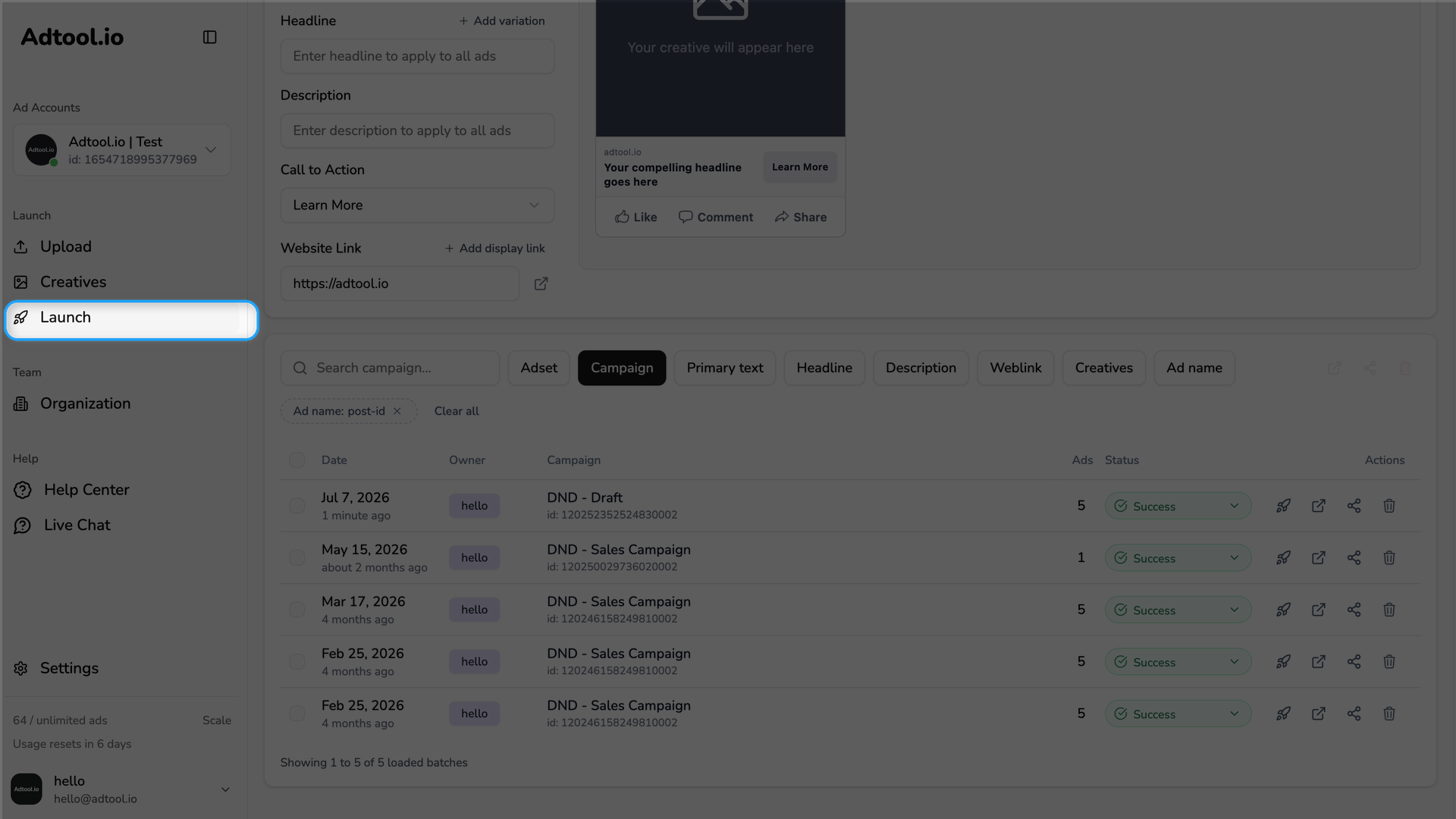
Go to Launch and open your batch upload history
Scroll to the batch upload history, where your previous launches are listed.
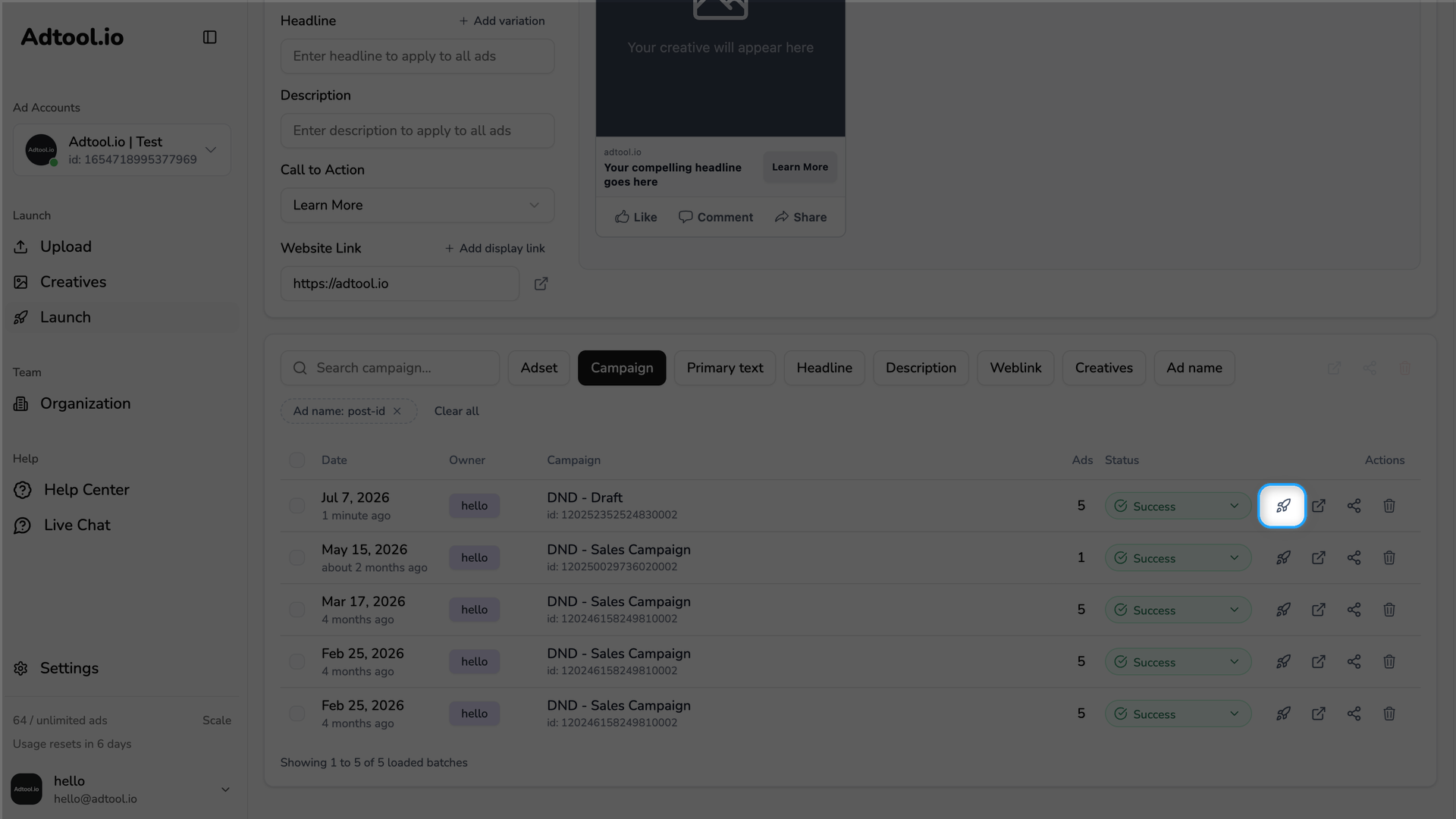
Relaunch the batch you want to reuse
Click the relaunch icon next to the batch. The Reuse batch dialog opens, where you choose what to carry over. For the full relaunch flow, see Relaunch.
Turn on Post ID reuse
In the Reuse batch dialog, find Post ID reuse under the Settings column and check it.
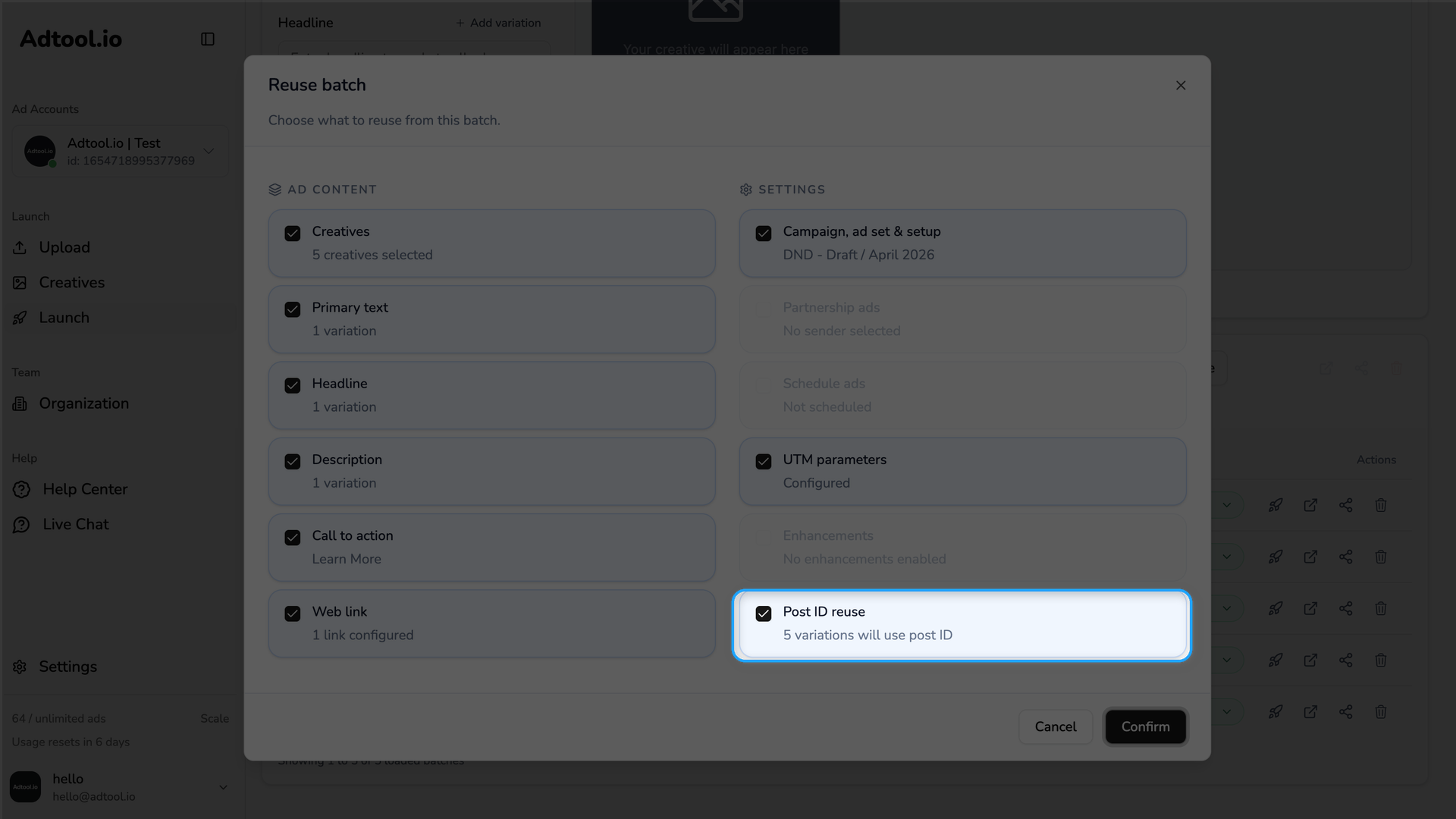
Post ID reuse only appears when the ad can map to a single Meta post. For the option to be available, the ad must:
already have a post ID from a previous launch,
use a single dimension, for example only 9:16 or only 1:1 (not multiple placement dimensions grouped into one ad),
have one primary text and one headline (no text or headline variations),
and include creatives in what you reuse.
If any of these is not met, the Post ID reuse option won't be visible.
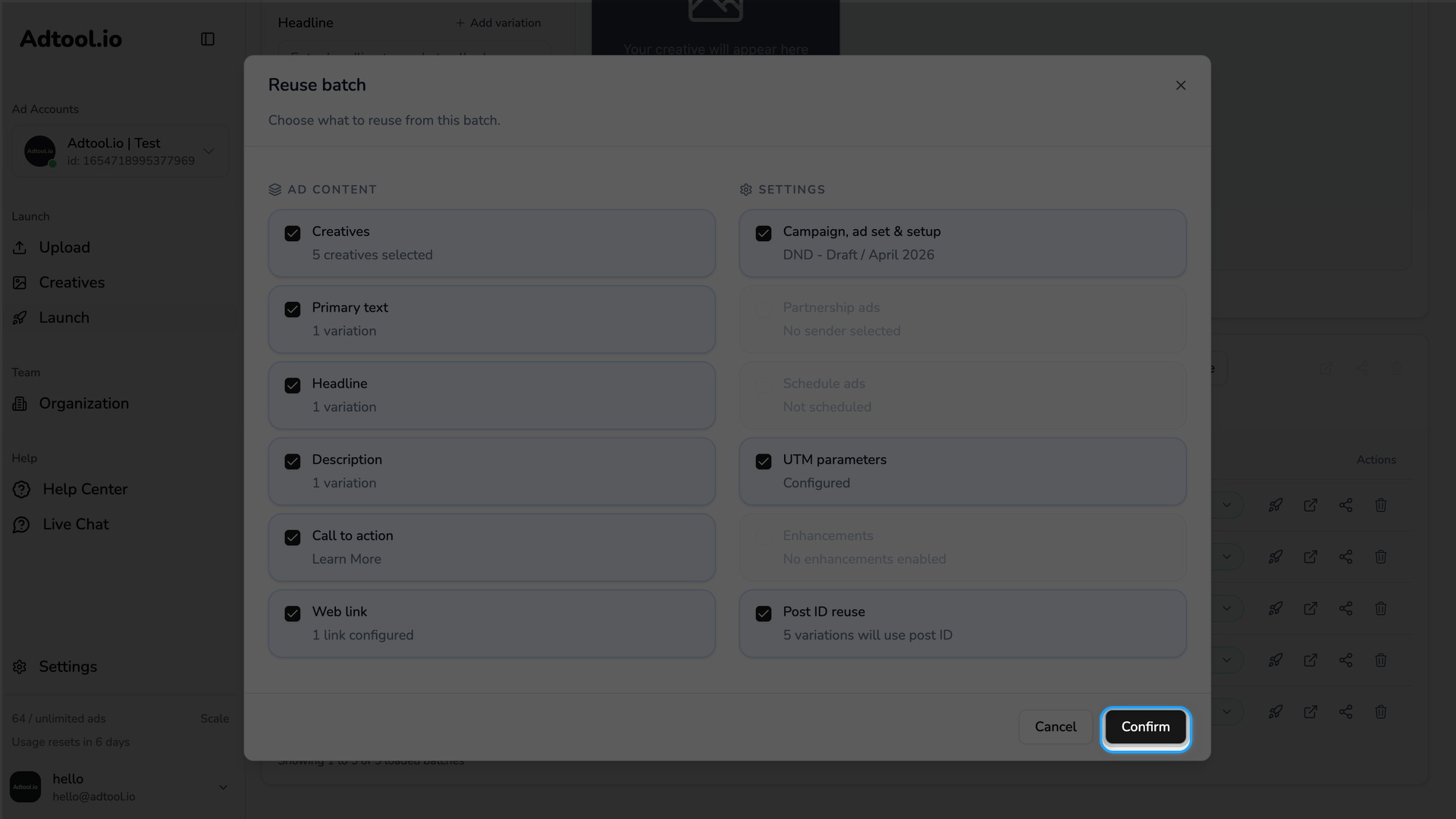
Confirm the reuse
Click Confirm. Adtool restores the batch with the new ads pointed at the same Meta post. Adjust anything else you need before launching.
Was this helpful?
Still need help? Ask the team