Batch-level settings
Learn how to adjust settings for one batch without changing your default settings.
Batch-level settings apply to every ad in the batch you are launching. They do not change your default settings. You set them in the Setup, Add-ons, and Enhancements tabs of the launch form.
How batch-level settings work
Everything you enter on the main form applies to all ads in the batch. This covers the copy on the Basic tab, such as primary text, headline, and website link, and the settings on the Setup, Add-ons, and Enhancements tabs.
An ad that you customized with Edit individually keeps its own value for the fields you changed. A later change to the same field on the main form does not overwrite it. All other fields on that ad still follow the main form.
Step-by-step guide
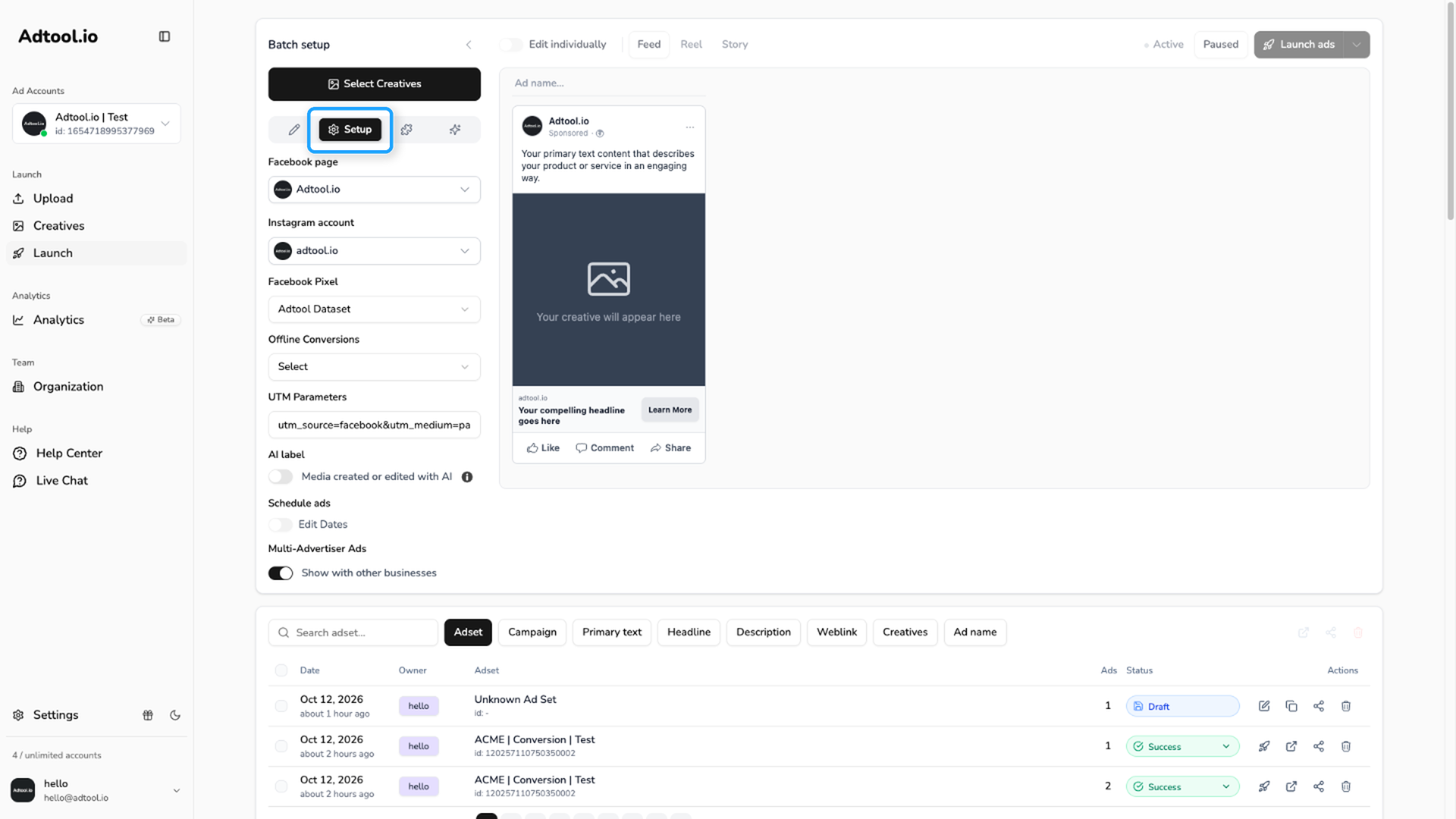
Go to Launch and open the Setup tab
The Setup tab is the gear icon in the tab bar at the top of the launch form. Set the Facebook page, Instagram account, Facebook Pixel, offline conversions, and UTM parameters for the batch. The AI label, Schedule ads, and Multi-Advertiser Ads switches are on the same tab.
Open the Add-ons tab
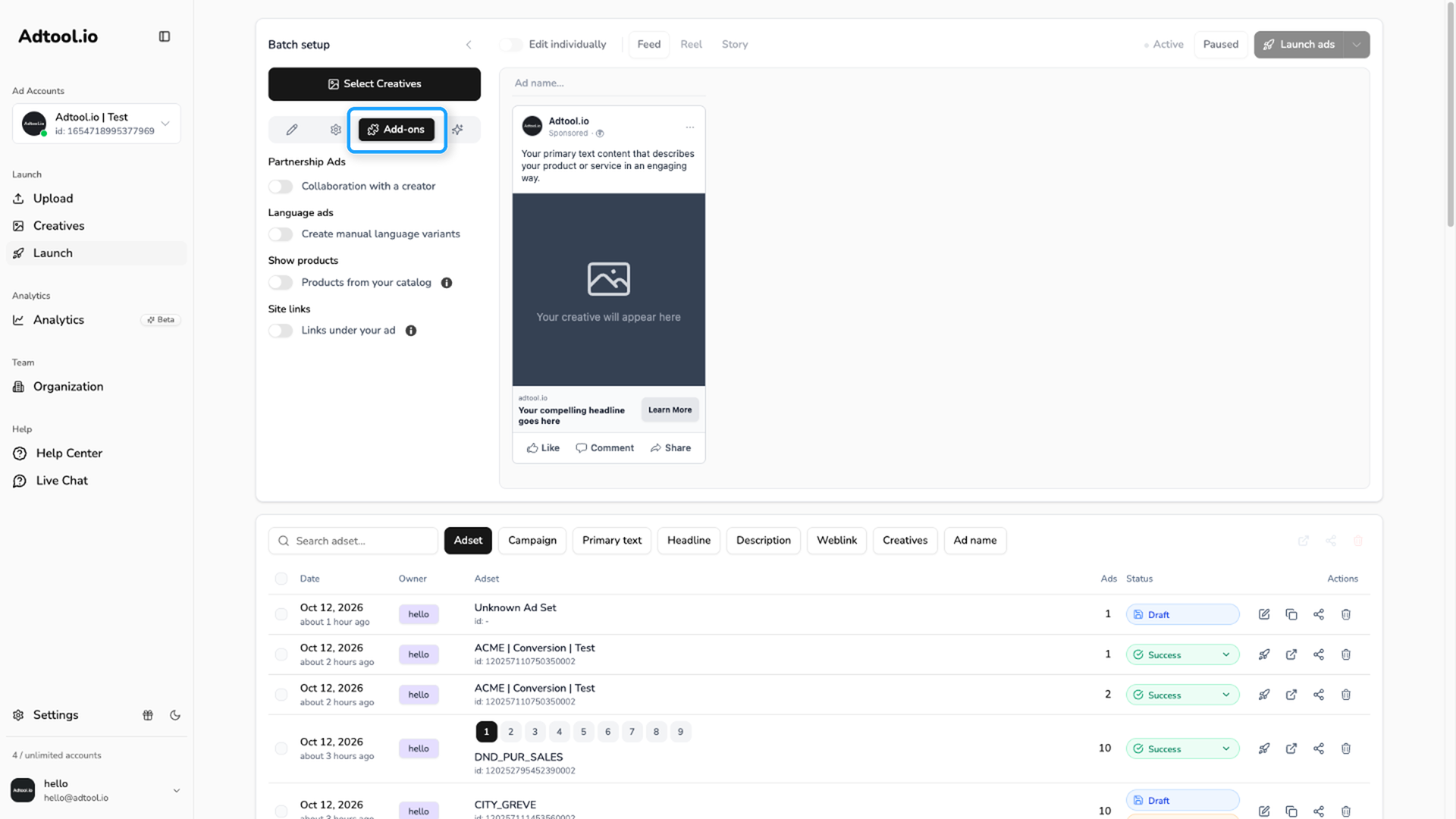
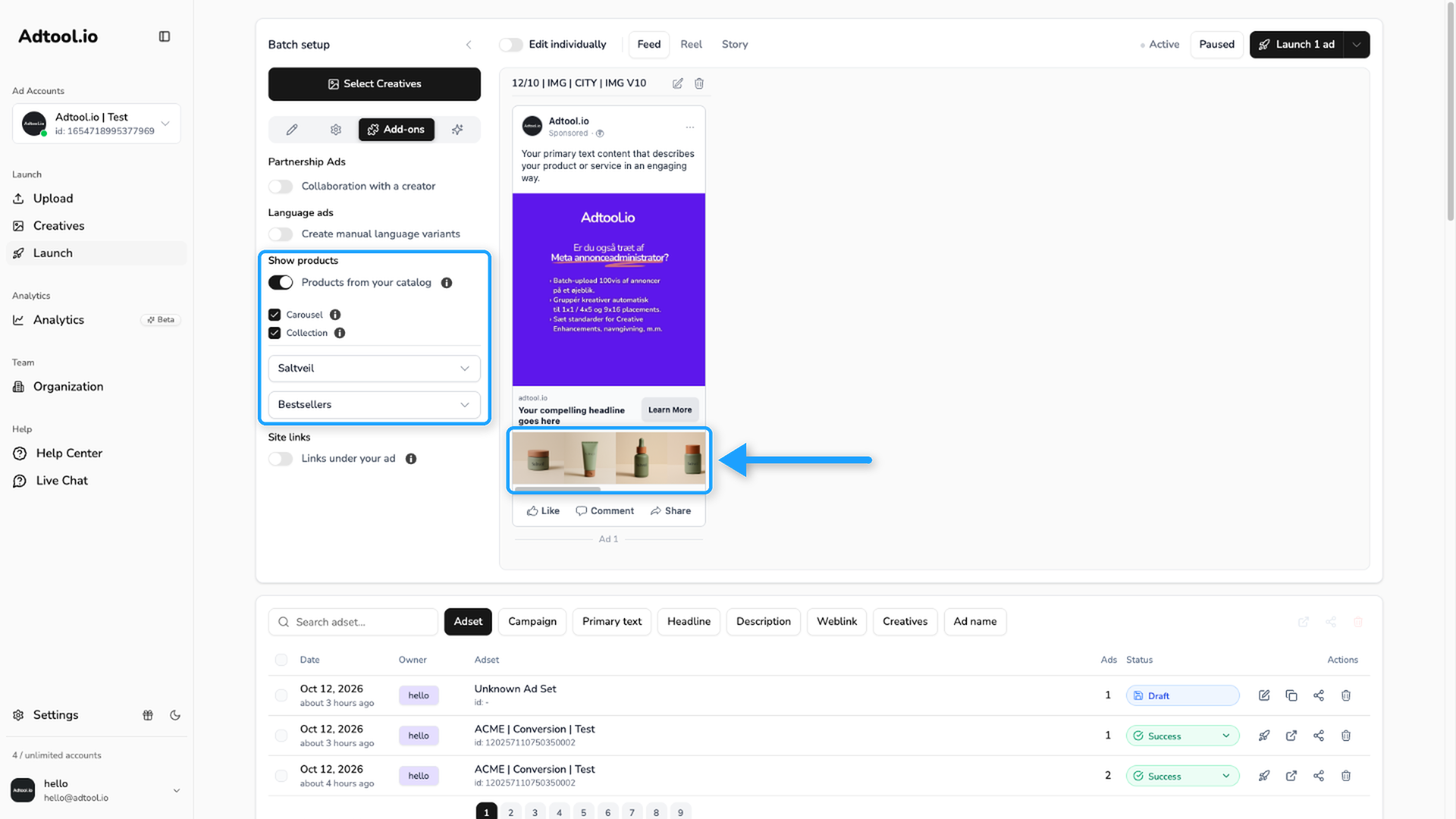
Turn on Partnership Ads, Language ads, Show products, or Site links for the batch.
For Show products, select the catalog and the product set you want to use. For Site links, add at least 4 links, each with a title and a URL.
Open the Enhancements tab
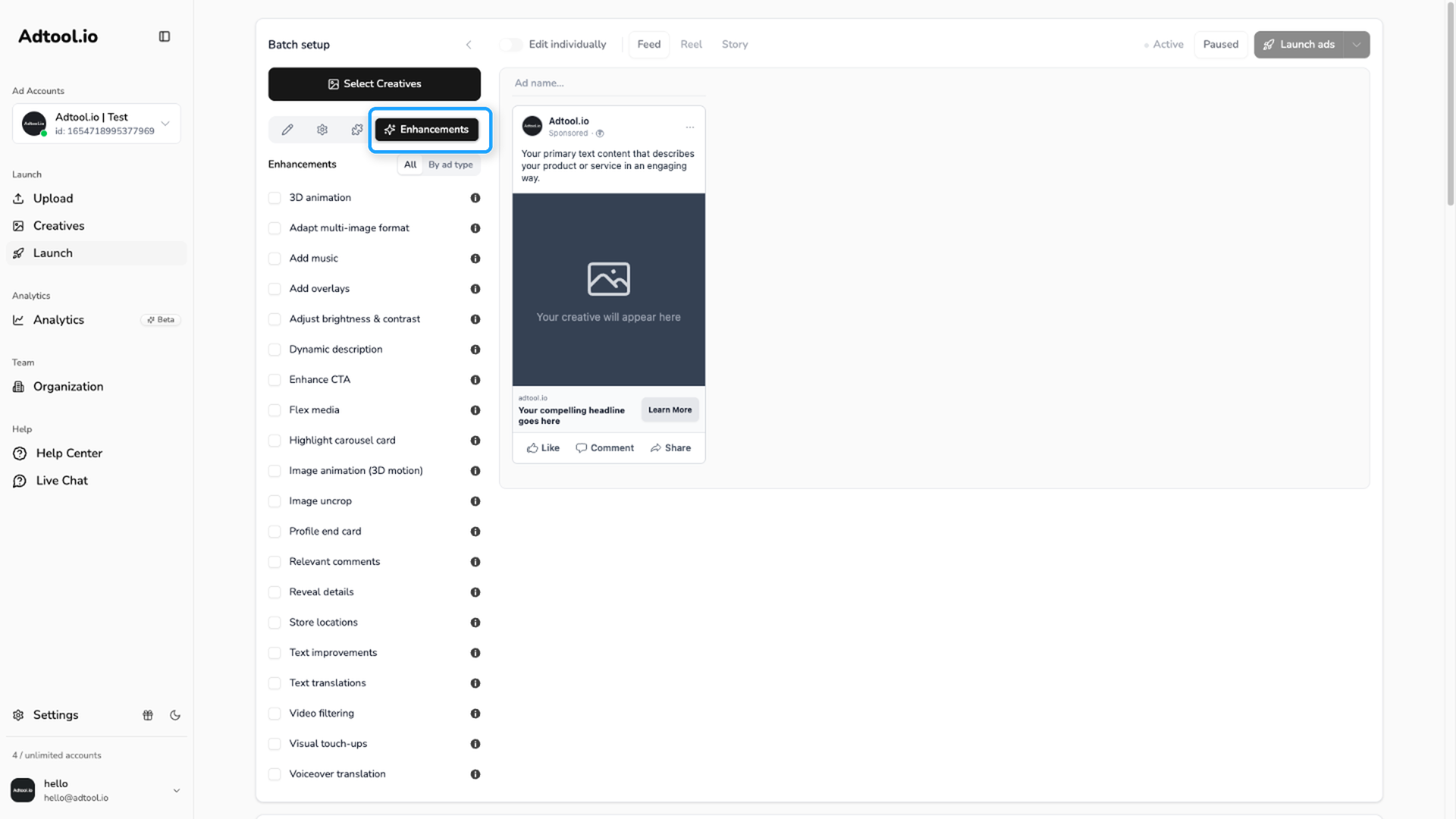
Select the Creative enhancements for the current batch. Use All to see one list, or By ad type to set image, video, and carousel ads separately.
These changes only apply to the batch you are launching. To change the default Creative Enhancement settings, go to Settings.
Change a setting for one ad
To change a setting for a single ad, turn on Edit individually. Each ad card then has the same four tabs as the main form. For the full flow, see Customize individual ads
Video guide
Was this helpful?
Still need help? Ask the team