2-placement grouping
Learn how to group related creatives before launching ads in Adtool.
Use 2-placement grouping when the same ad should include two creative versions for different placement groups, such as feed and Story / Reel, or feed and horizontal.
Recommended setup
For two-placement grouping, use one vertical creative and one feed creative for the same ad.
Vertical: a supported Story / Reel format, such as 9x16.
Feed: a supported square or portrait format, such as 1x1 or 4x5.
Adtool can automatically group creatives when the filenames share the same base name and use different supported placement tags or dimensions. If the names do not match, Adtool matches the creatives based on their visuals. You can also group creatives manually with drag and drop.
Step-by-step guide
Go to Launch and select creatives
Go to Launch and click the creatives button in the top bar to open the Select Creatives window.
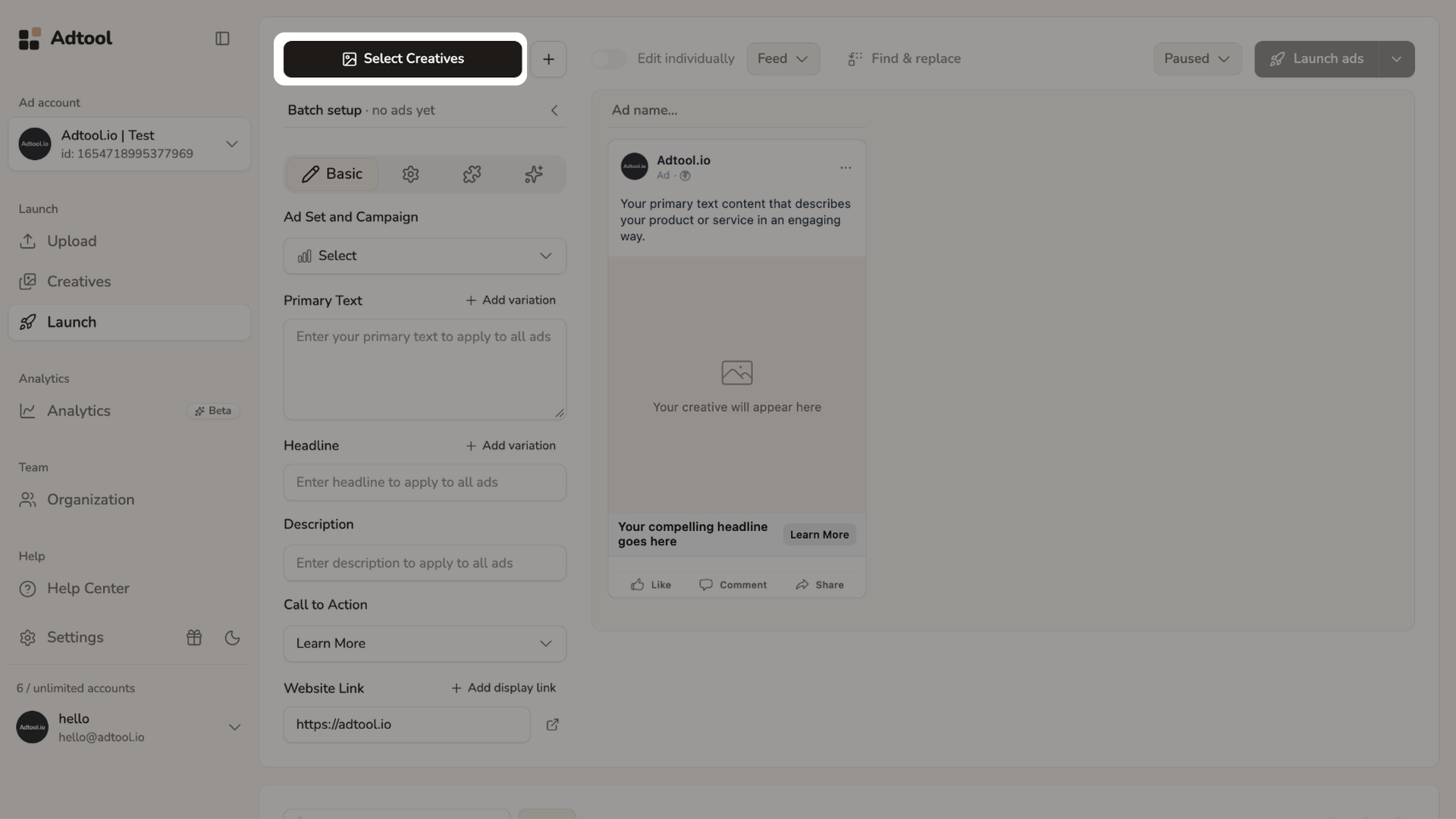
Select the creatives for your ads
Use filters, the checkbox in the header to select all, or Shift-click to select a range of the creatives you want to launch, then click Group assets.
Review the creative groups
If two creatives share the same base name and use different supported placement tags or dimensions, Adtool recognizes them as belonging to the same group. For example, Video V6 9x16 and Video V6 4x5 can be grouped together because the base name matches and the placement format changes. If the file names do not match, Adtool can still group the two creatives by matching them based on their visuals.
Read more: Auto-grouping guide.
Supported format and tag options
Supported format and tag options
For the recommended two-placement setup, use one vertical creative and one feed creative.
Pixel sizes can use x, X, or ×. The placement tag must stand on its own in the file name, separated with a space, underscore, hyphen, or brackets. Horizontal creatives are covered in the 3-placement grouping workflow.
Video guide
Was this helpful?
Still need help? Ask the team