Schedule ads
Learn how to set a start date or end date for ads in a launch batch.
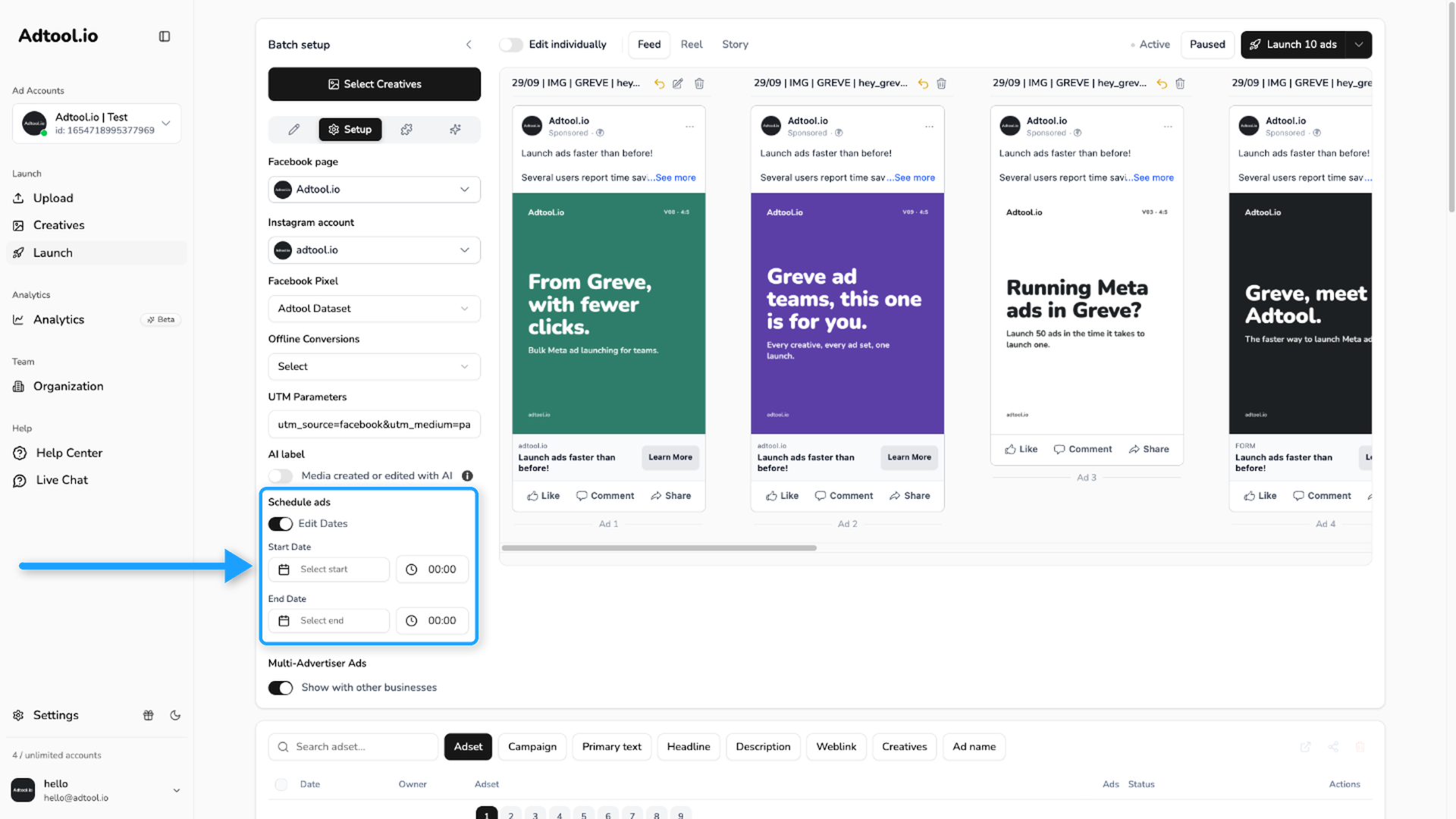
Use Schedule ads when you want the ads in a batch to start or end at a specific time.
Step-by-step guide
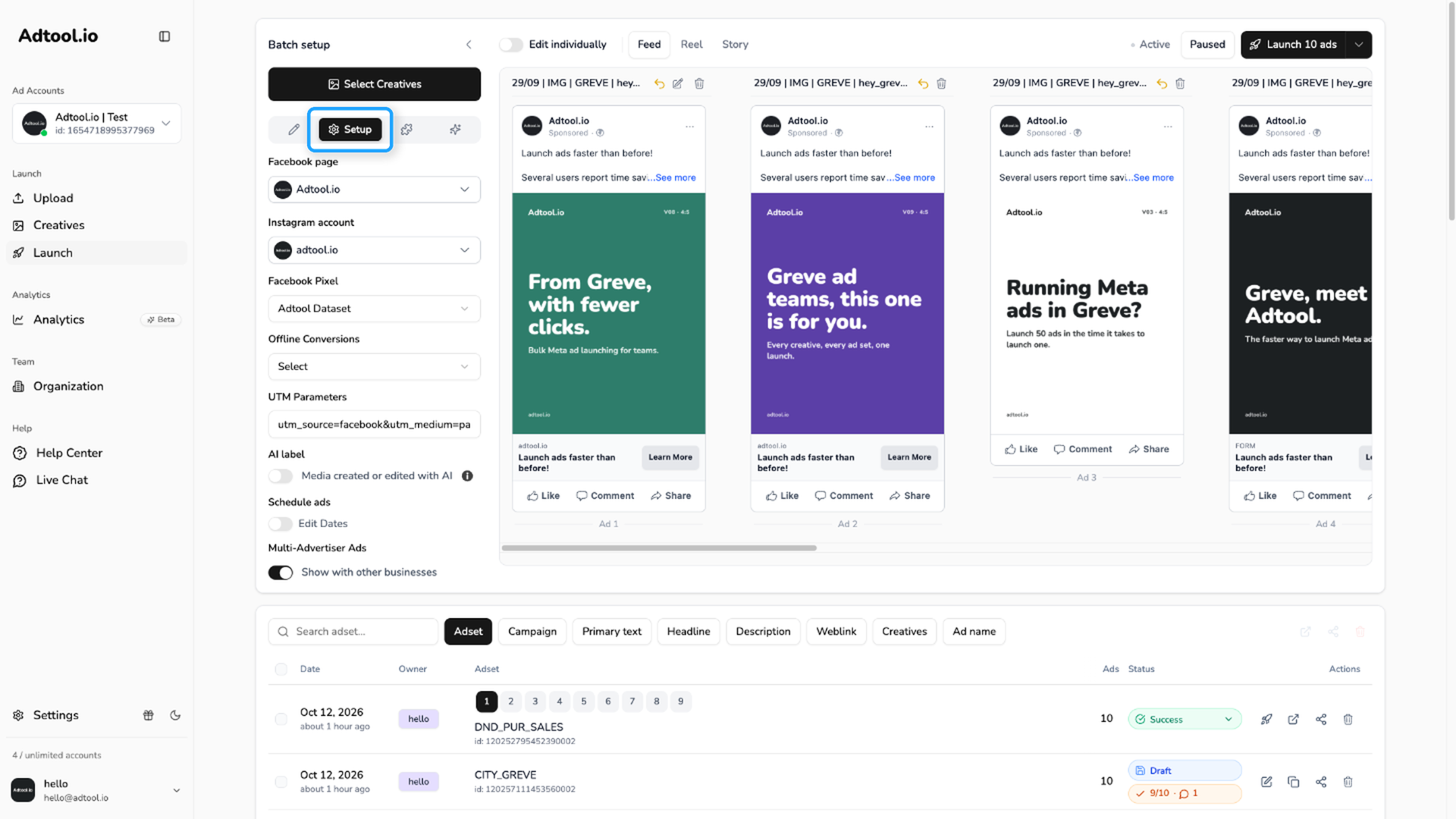
Go to Launch and open the Setup tab
The Setup tab is the gear icon in the tab bar at the top of the launch form.
Schedule a single ad
To give one ad its own schedule, turn on Edit individually and open the Setup tab on that ad card. Set the dates there. Ads you do not change follow the schedule on the main form.
Was this helpful?
Still need help? Ask the team