3-placement grouping
Learn how to group vertical, square, and horizontal creatives for the same ad.
Use this workflow when one ad should include creatives for all three placement groups: Story / Reel, feed, and horizontal.
Recommended setup
For full placement coverage, use all three placement groups for the same ad: vertical, feed, and horizontal.
Vertical / Story-Reel: a supported vertical format, such as 9x16.
Feed / Square: a supported square or portrait format, such as 1x1 or 4x5.
Horizontal / Landscape-Wide: a supported landscape or wide format, such as 16x9 or 1.91:1.
Adtool automatically groups creatives when the filenames share the same base name and use different supported placement tags or dimensions. No manual placement setup is required when the files are recognized correctly.
Step-by-step guide
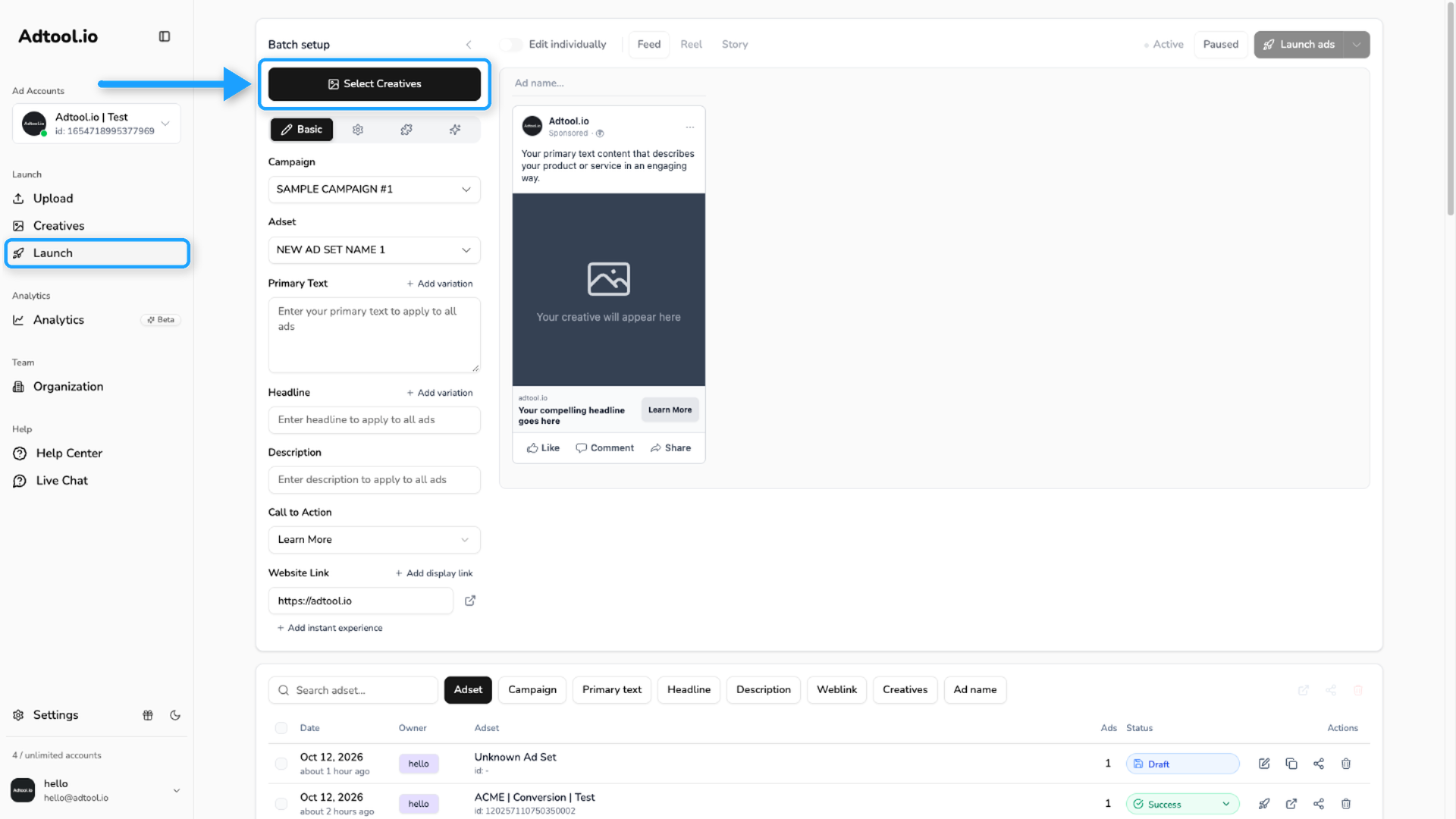
Select the vertical, square, and horizontal creatives
Select the creatives that belong to the same ad, then click Continue.
Check that Adtool grouped the three formats
If the creatives share the same base name and each file represents a different supported placement group, Adtool recognizes them as one group.
For example, Video V6 9x16 (Story / Reel), Video V6 4x5 (feed), and Video V6 16x9 (horizontal) can be grouped together.
These can be grouped together because the base name matches and each file uses a different supported placement format.
Supported format and tag options
Supported format and tag options
For full placement coverage, use one creative from each placement group.
Pixel sizes can use x, X, or ×. The placement tag must stand on its own in the file name, separated with a space, underscore, hyphen, or brackets.
Read more: Auto-grouping guide.
Video guide
Was this helpful?
Still need help? Ask the team