Organic post ads
Select organic posts from the Organic Posts tab and add them to a launch batch so they can be launched as ads inside the chosen ad account structure.
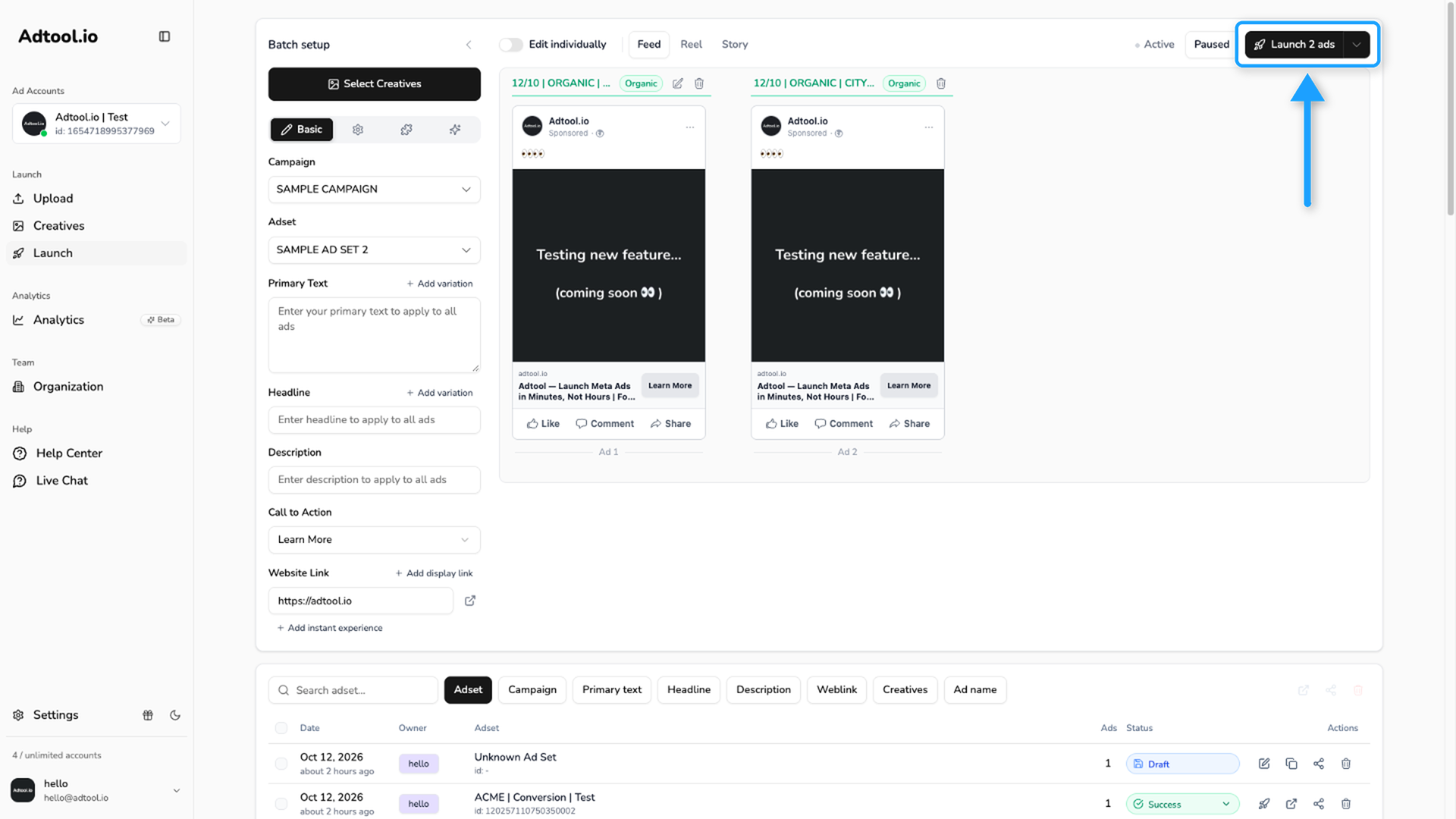
Use organic posts when you want to launch existing social posts as ads from Adtool. After you select the organic posts, they are added to the launch batch so you can review the batch, add manually created ads if needed, and launch through the selected ad account structure.
When to use organic posts
Use organic posts when you want to boost an existing post, keep the original organic creative and social post, or launch that post through the ad account structure you are already setting up in Adtool.
What to know before selecting posts
Step-by-step guide
Open Launch and select creatives
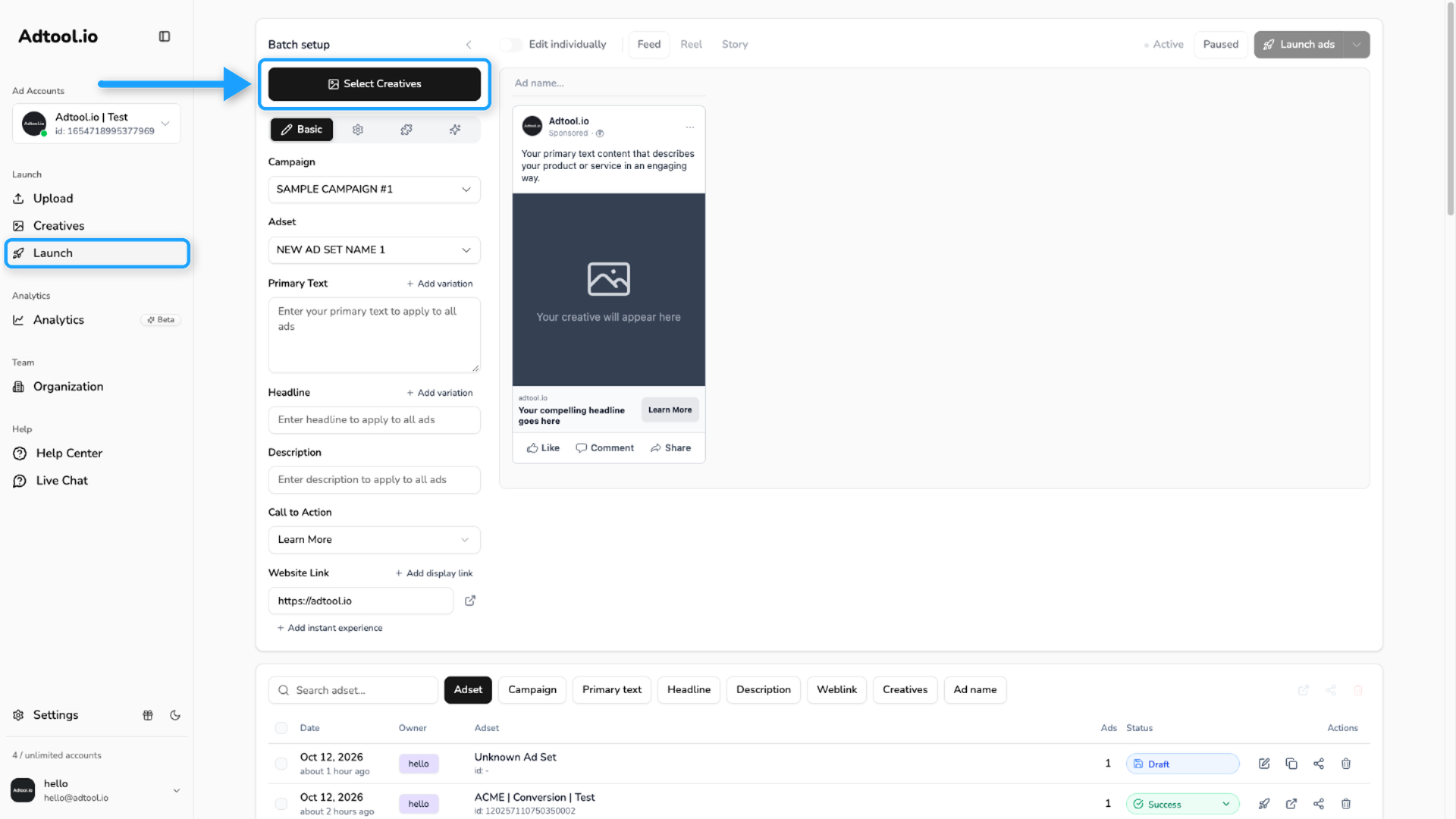
Go to Launch in the left navigation, then click Select Creatives to open the creative selection view for the batch.
Select organic posts
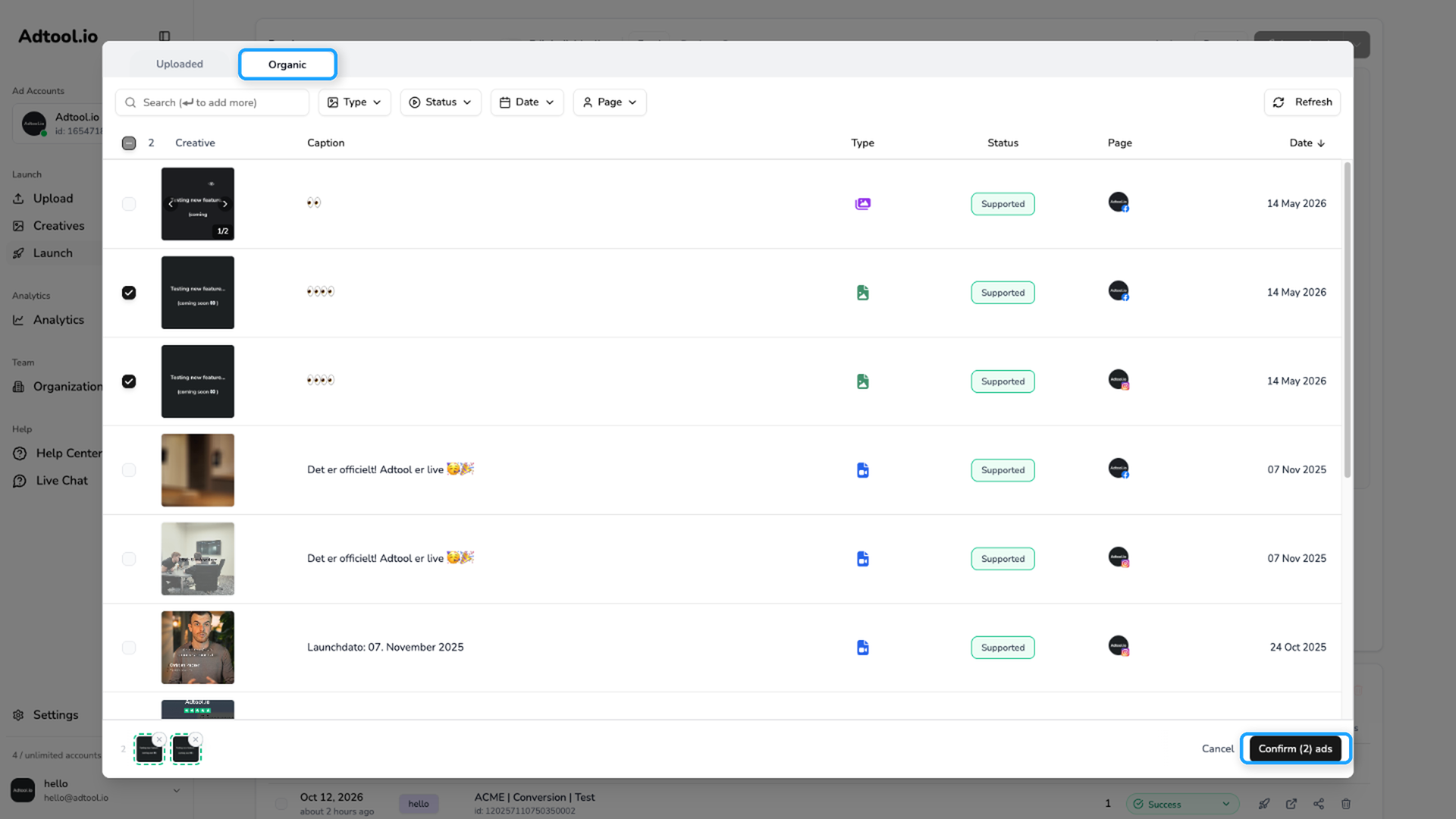
Open the Organic tab. Use the filters if needed, select the organic posts you want to launch as ads, then click Confirm. The selected organic posts are added to the launch batch. If the page you need is not shown, change the Facebook page on the Setup tab so posts from that page are shown.
Video Guide
Was this helpful?
Still need help? Ask the team