Flexible ads
Learn how to select, group, review, and launch flexible ads in Adtool.
Use flexible ads when you want Meta to combine multiple creative assets and variations inside the same ad. In Adtool, the launch flow starts like other ad types, but the grouping step is where you decide which creatives should belong to the same flexible ad.
Step-by-step guide
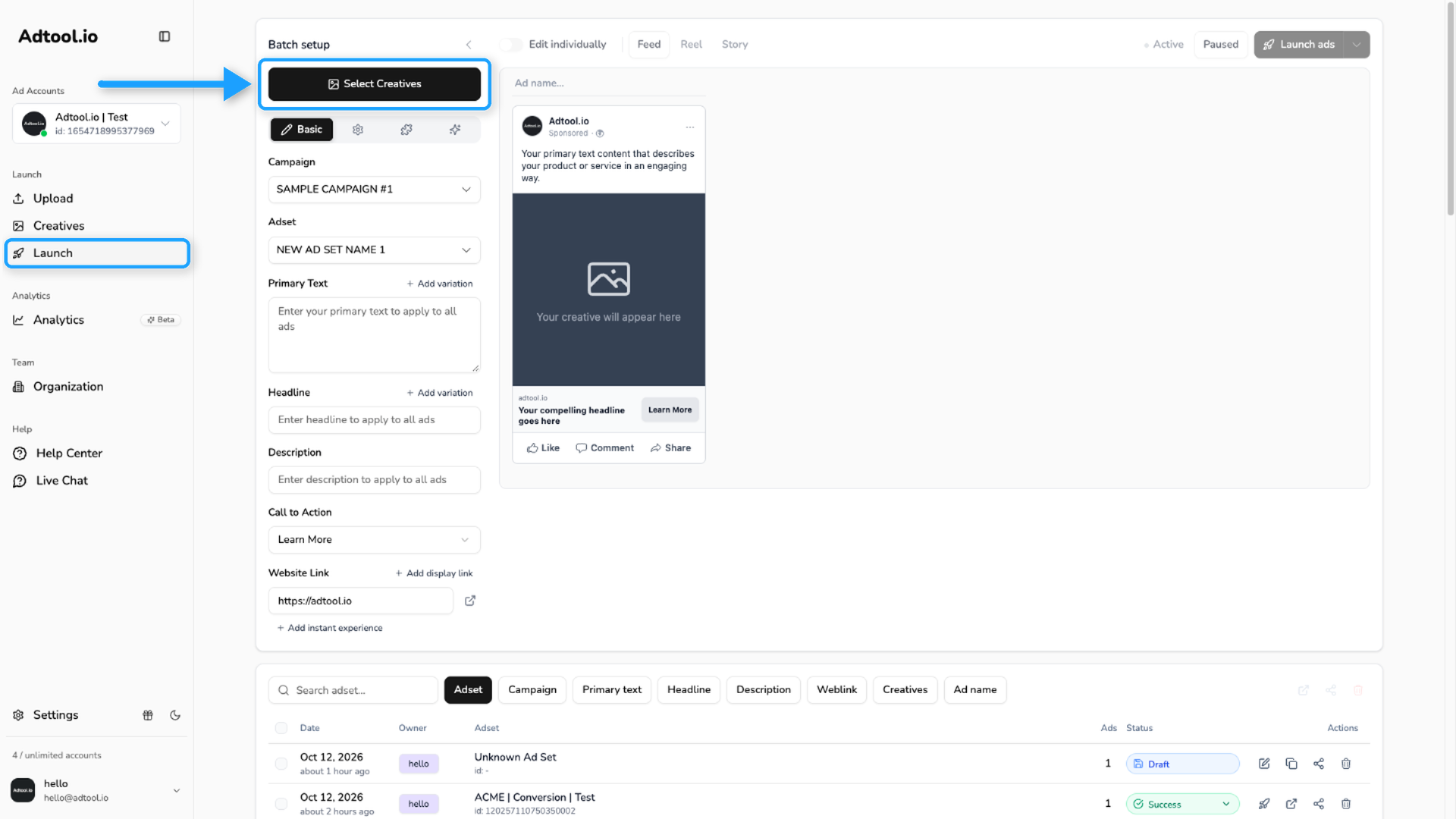
Select the creatives for the batch
Select the creatives you want to include in the flexible ad launch, then click Continue.
Use filters, Select all, or click and drag to select several creatives faster.
Group creatives into the flexible ad
Drag the creatives that should belong to the same flexible ad into the flexible ad group.
Add ad details
Click Confirm, then fill out the remaining ad information, including primary text, headline, description, CTA, and any other required launch settings. Review the previews before launching so you can confirm the creatives and text look correct together.
How flexible ad grouping works
How flexible ad grouping works
A flexible ad group contains the creative assets Meta can combine for that ad. Keep creatives in the same group when they are meant to be tested together as one flexible ad.
Video guide
Was this helpful?
Still need help? Ask the team