Documentation Index
Fetch the complete documentation index at: https://help.adtool.io/llms.txt
Use this file to discover all available pages before exploring further.
Step-by-step Guide
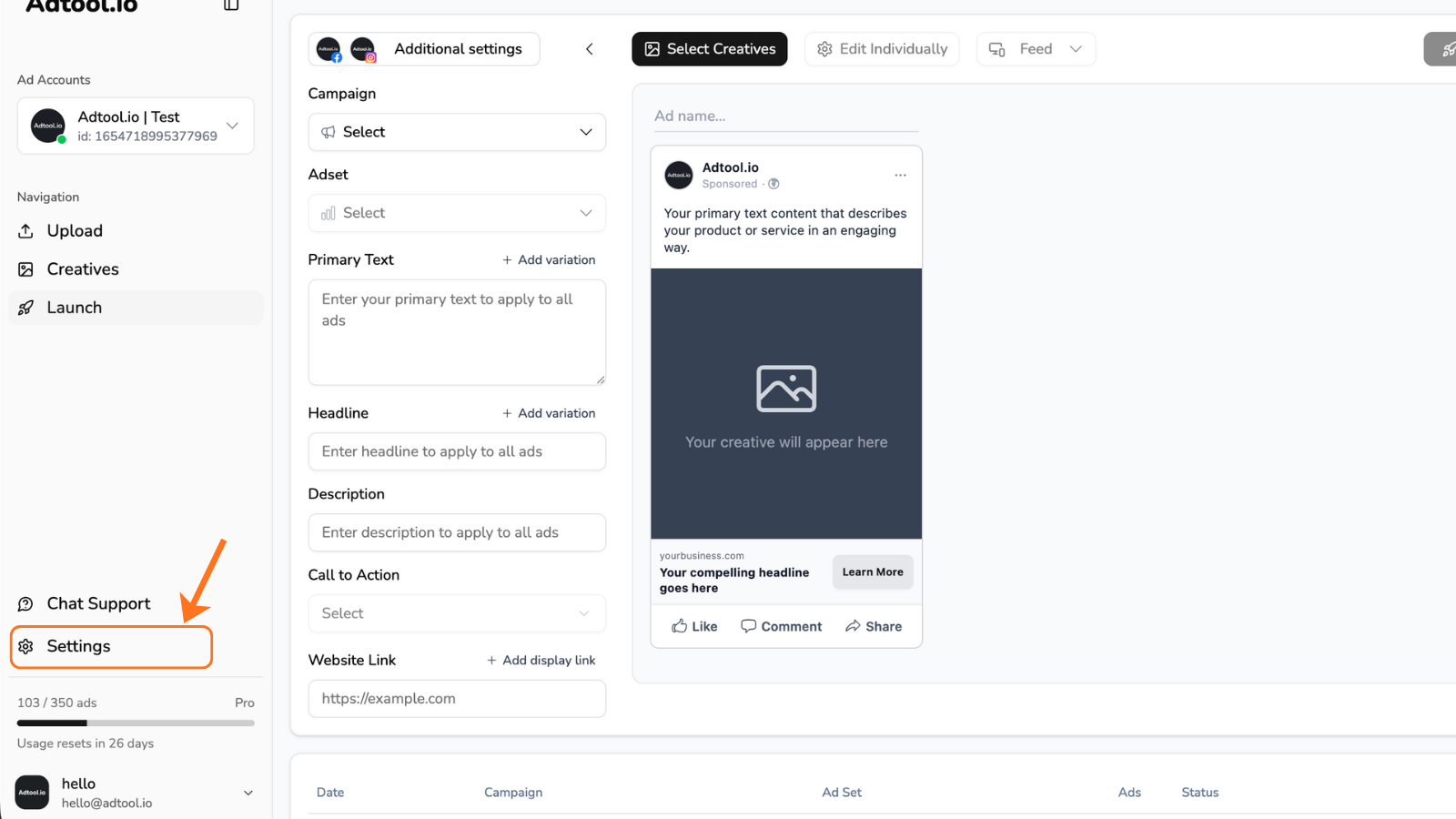
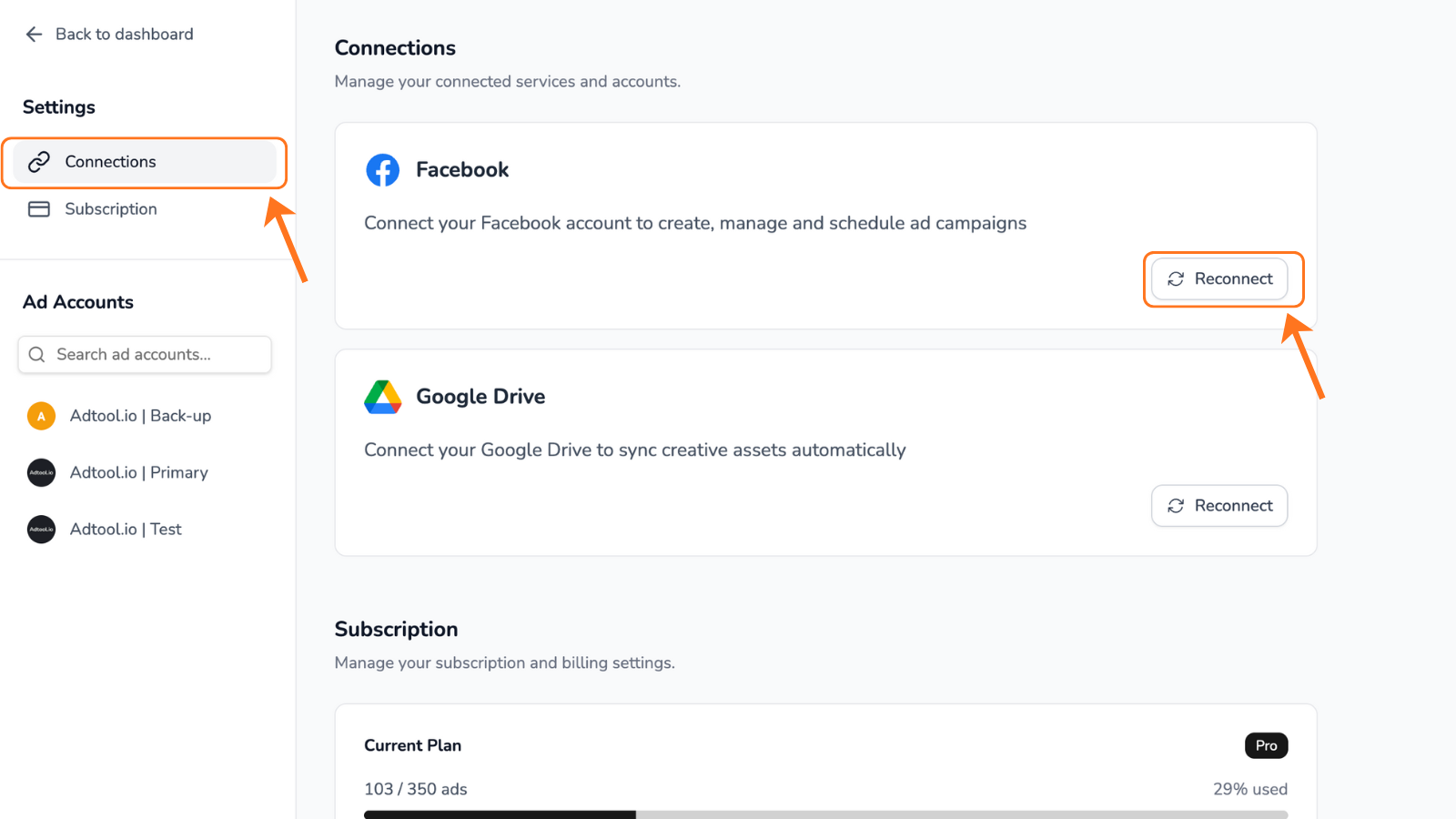
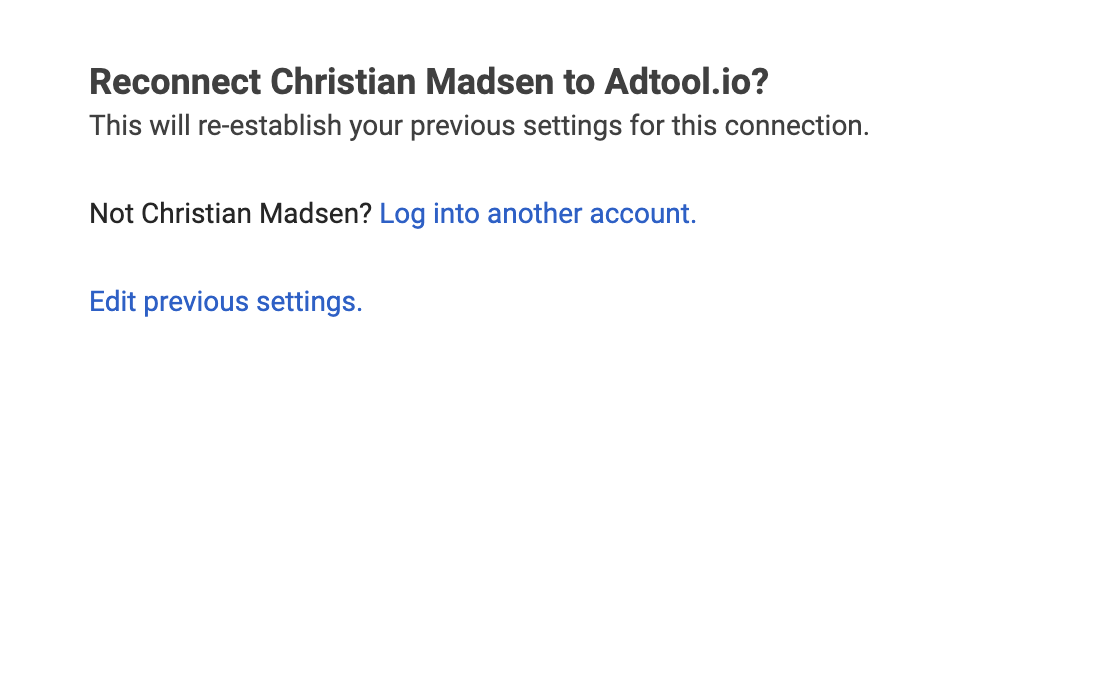
Go through the process and make sure the proper access is granted
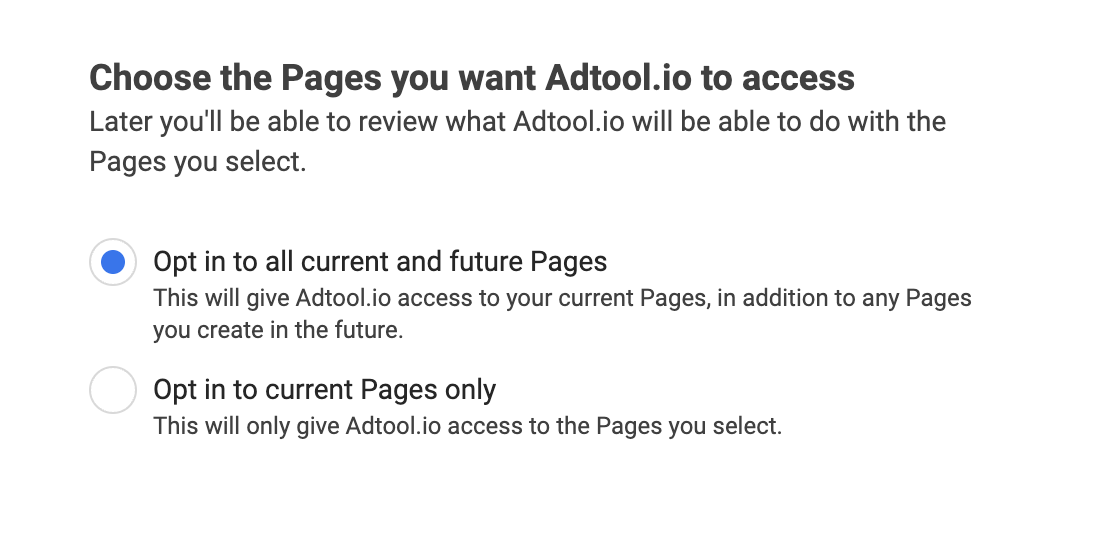
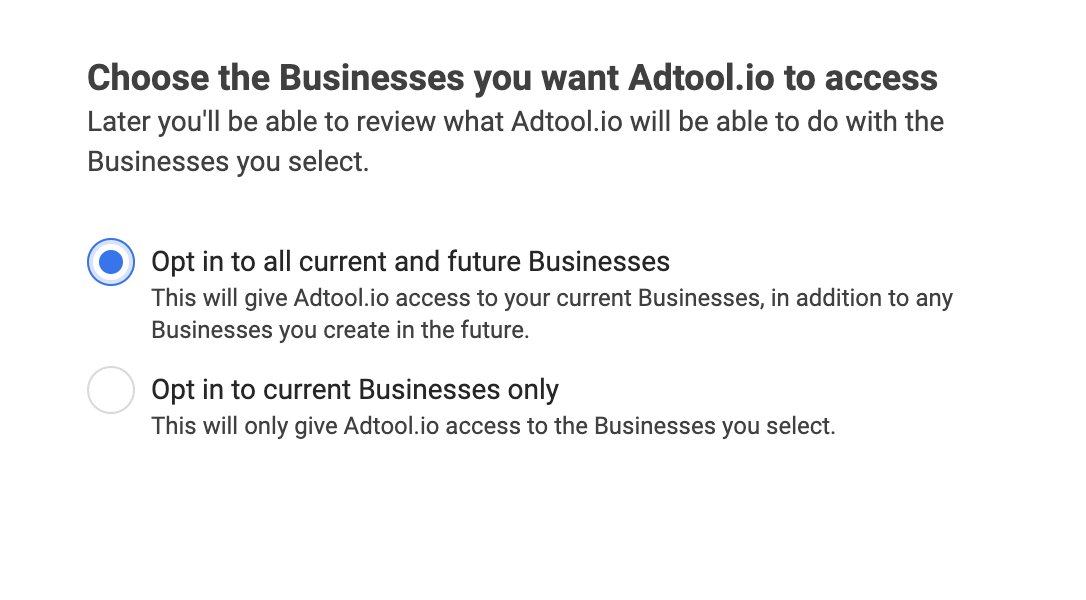
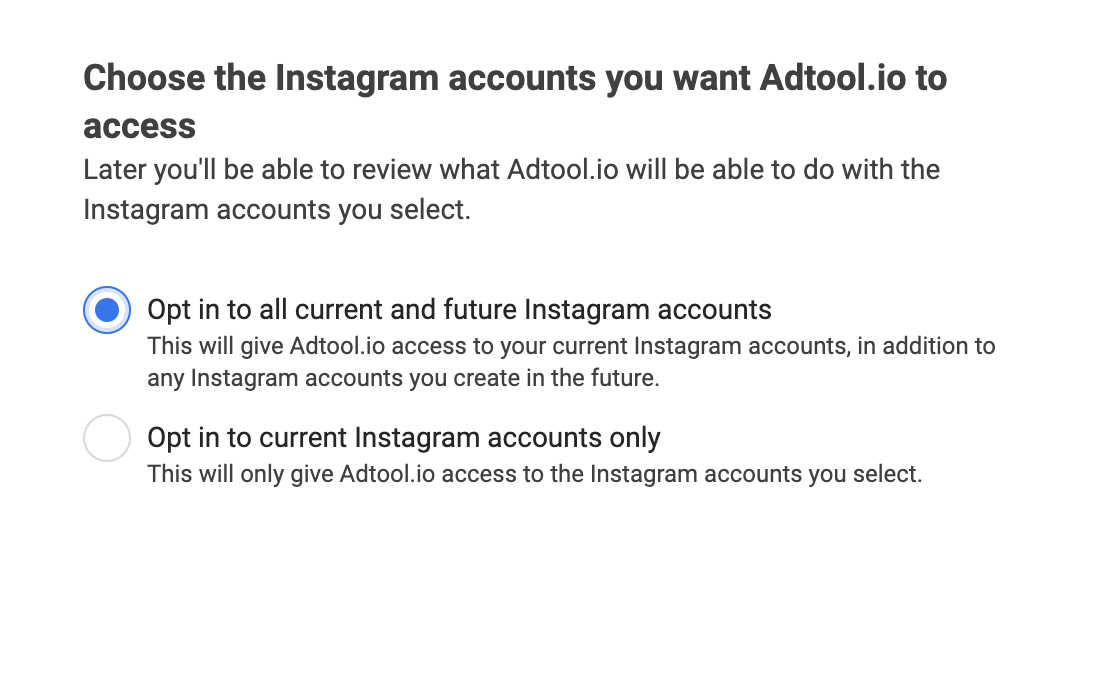
By setting the permissions shown below, you ensure that we can automatically pull in any new accounts your user gains access to.