Documentation Index
Fetch the complete documentation index at: https://help.adtool.io/llms.txt
Use this file to discover all available pages before exploring further.
What's new
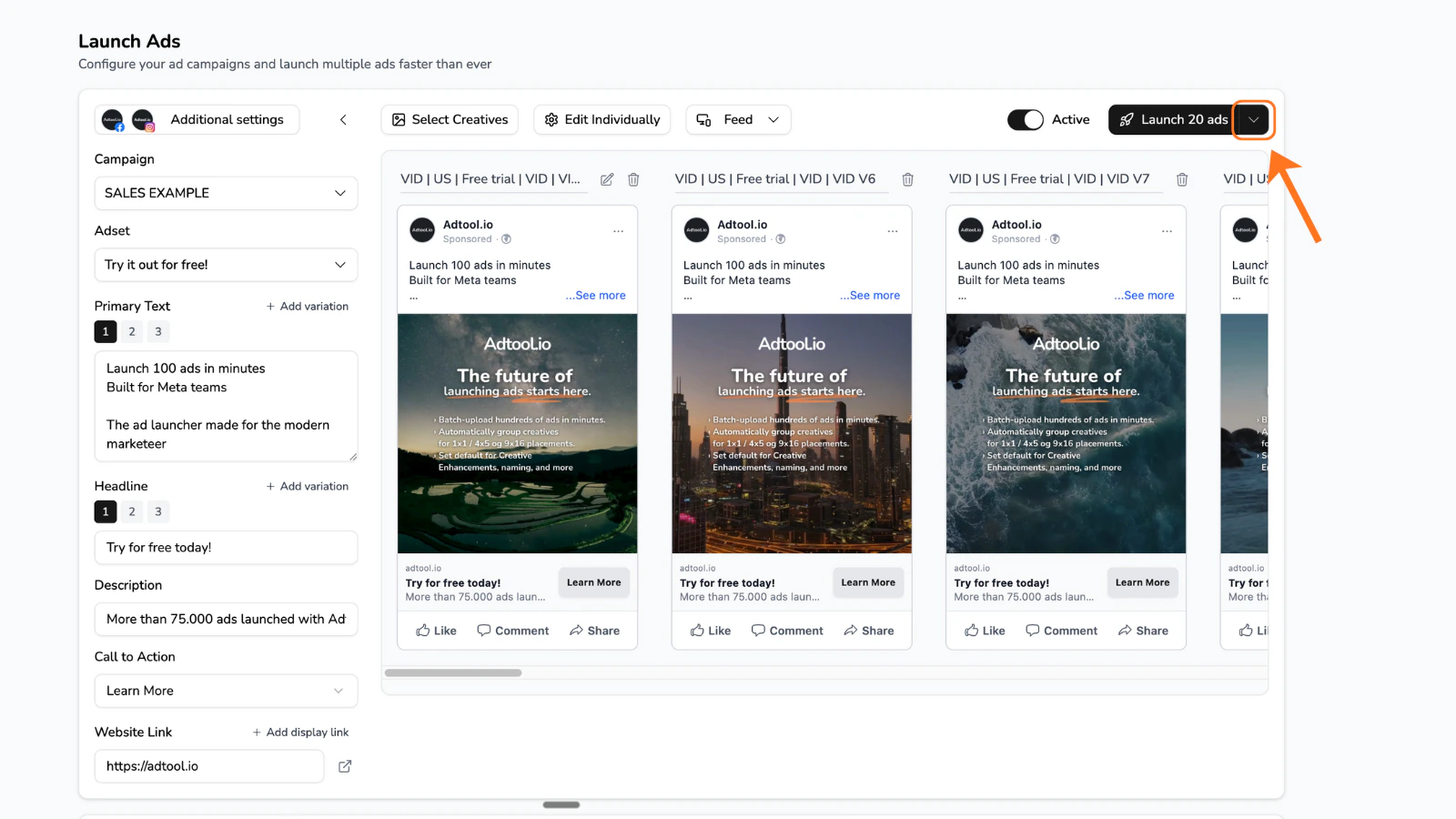
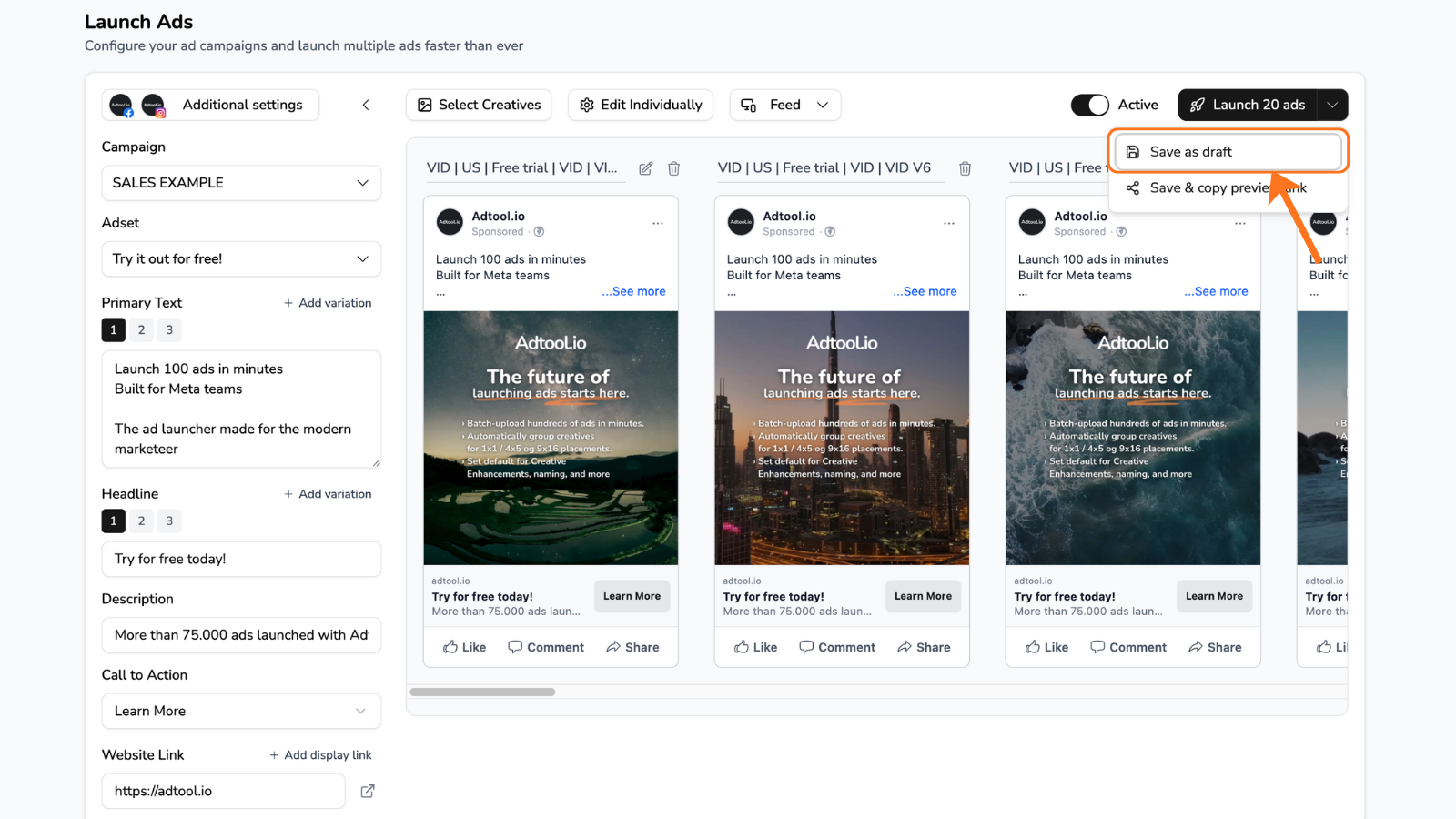
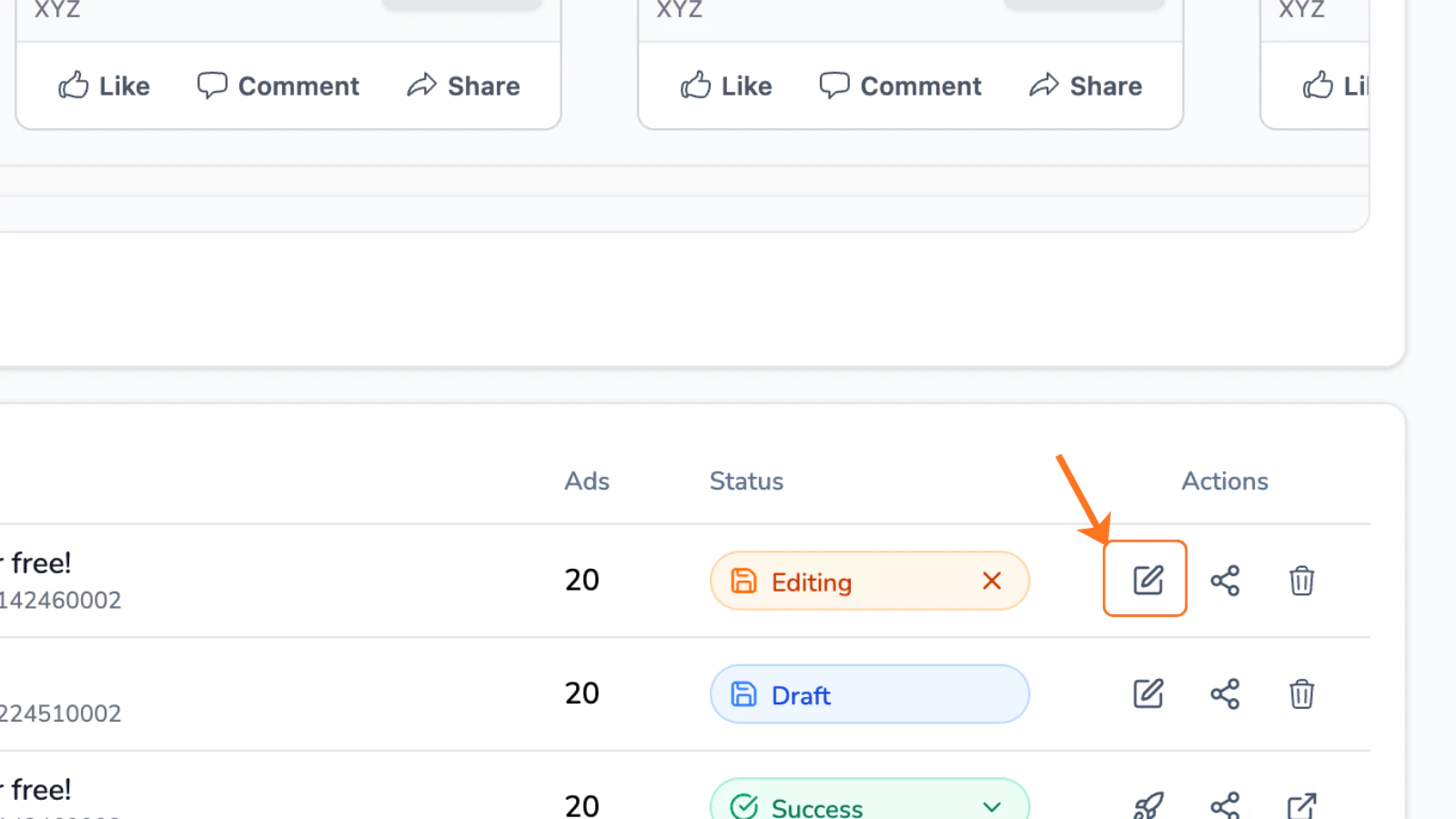
How to save your batch as a draft
In this document, we’re gonna show you how you can save your batch as a draft.