

Documentation Index
Fetch the complete documentation index at: https://help.adtool.io/llms.txt
Use this file to discover all available pages before exploring further.
Video guide
Step-by-step Guide
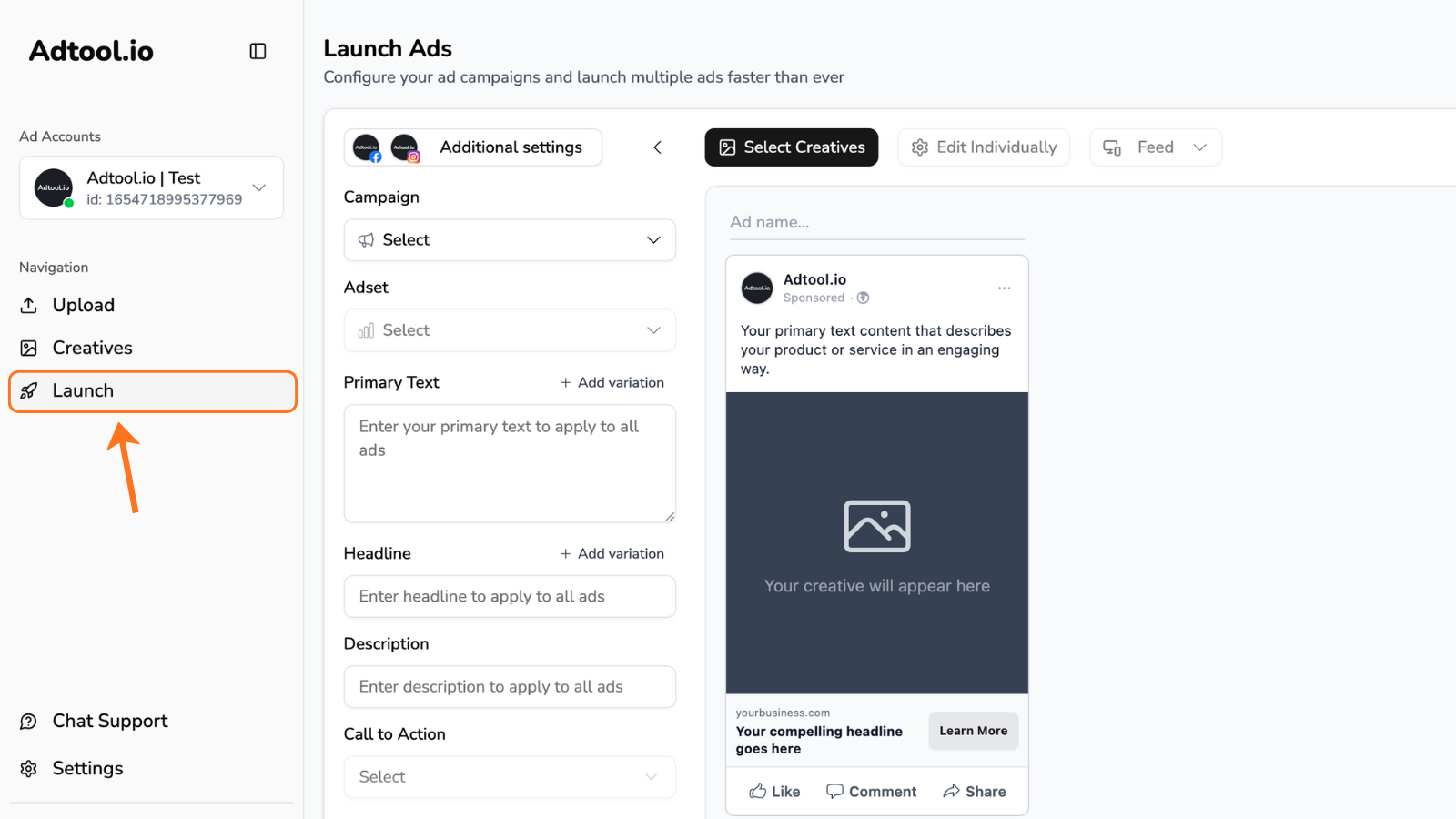
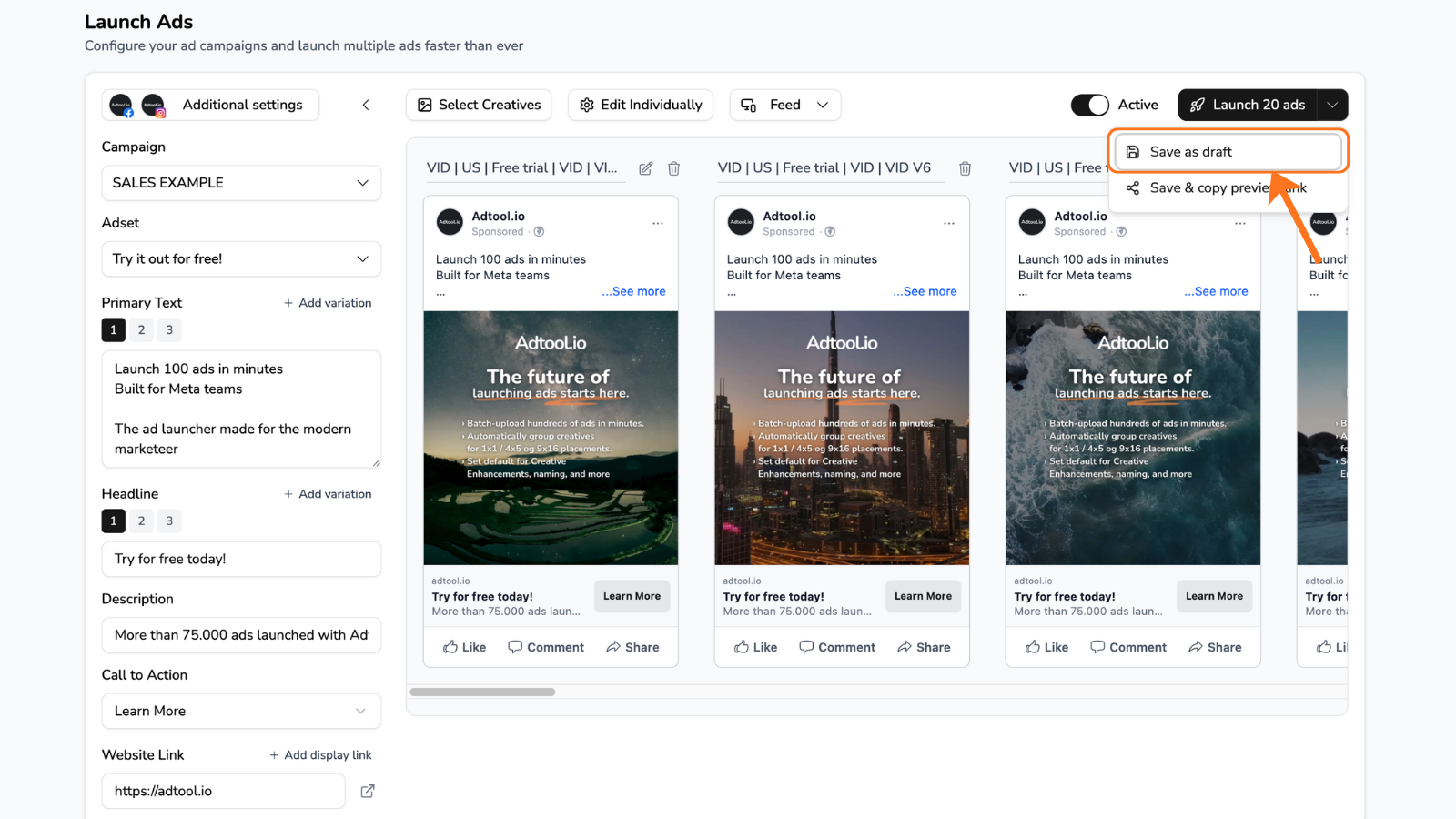
Scroll down to the batch history and click on the icon in the middle
This will copy the link for the previewing the batch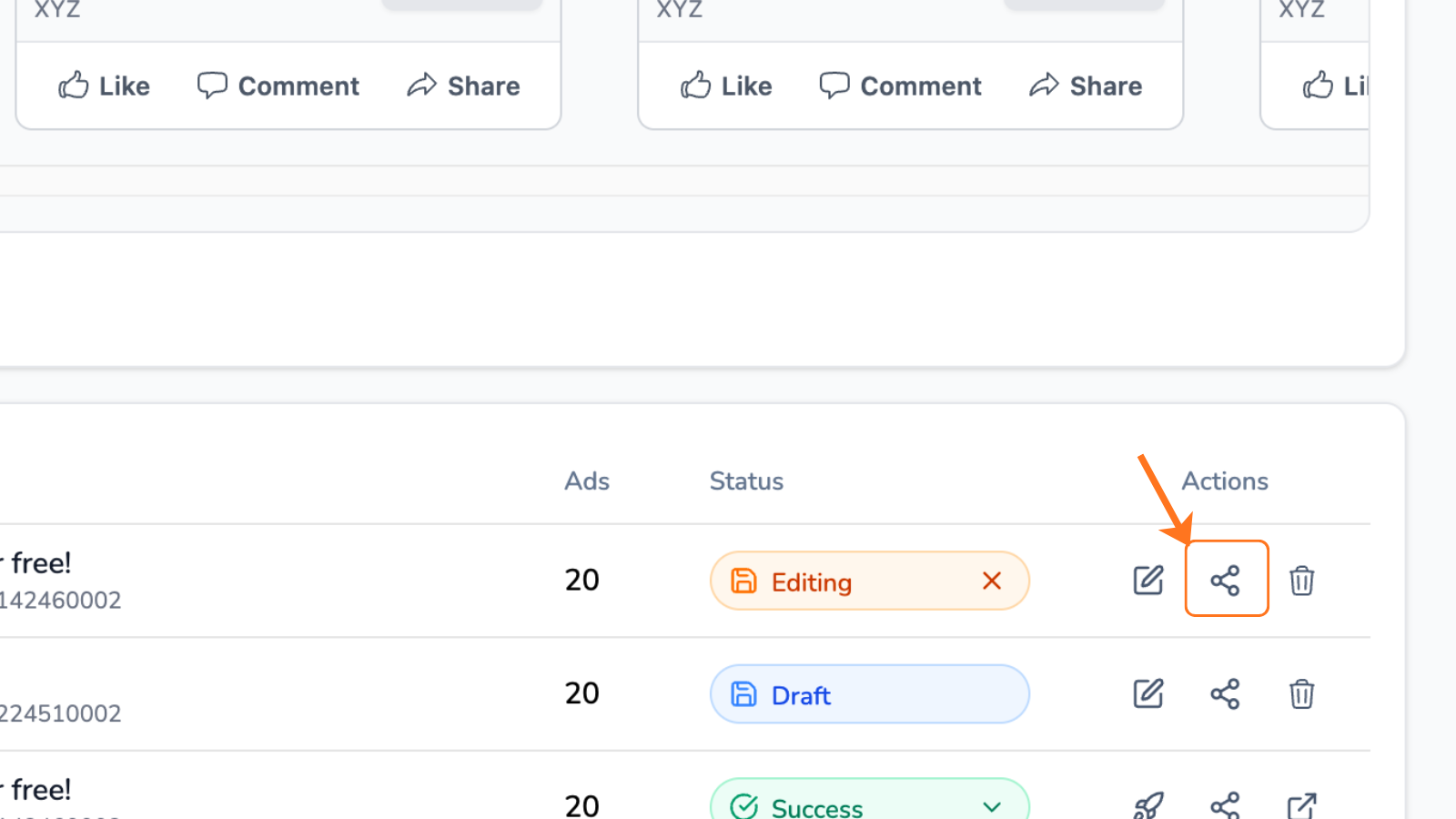
Now send it to the desired person or paste in a new tab
This preview will show all the ads from the batch.You are able to watch the preview in feed or reel format. Below each ad you’ll see a ‘show all variations’ if you’ve made multiple text variations..png?fit=max&auto=format&n=24N49opHx18nvKST&q=85&s=5206a59509af1606517fd57bf56a988a)