

Documentation Index
Fetch the complete documentation index at: https://help.adtool.io/llms.txt
Use this file to discover all available pages before exploring further.
Video Guide
Step-by-step Guide
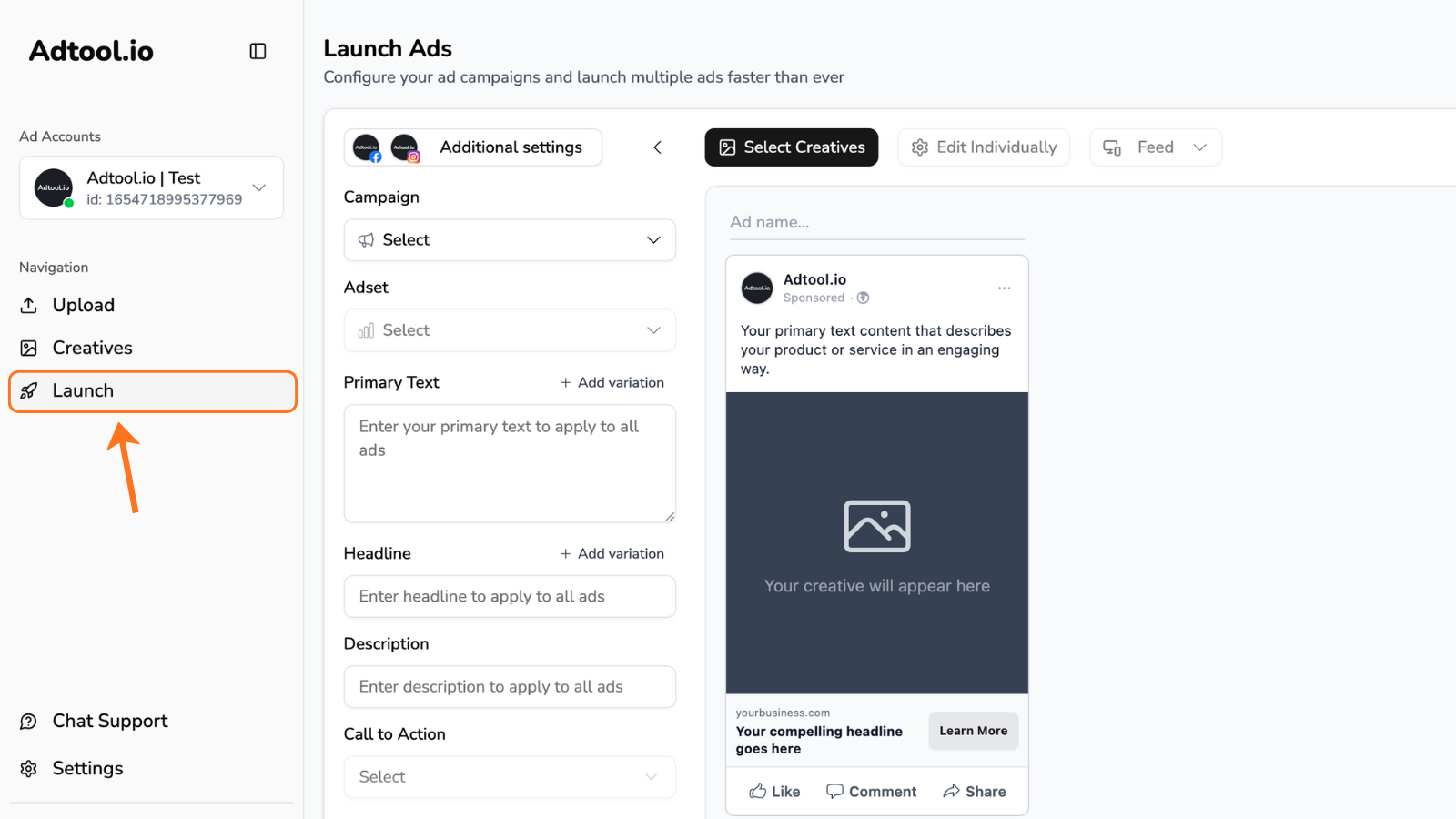
Select the creatives for your IMG/VID ads and click 'Continue'
IMPORTANT: In this step you wanna select all the creatives for the specific batch you want to launch. No matter the dimensions, filetype, etc.If you want to launch 20 ads with 1x1/4x5 and 9x16 - all good! You just select them all and go to next step.
Next step is to group creatives for the IMG/VID ads
Creatives are automatically grouped based on their filenames.If two creatives share the same name - except for the dimension at the end - Adtool will recognize them as belonging to the same group.Example:
‘Video V6 9x16’ and ‘Video V6 4x5’ will automatically be grouped together.This allows you to easily launch ads in multiple aspect ratios without any manual setup.If the filenames don’t match, you can still group them manually with a simple drag and drop.
‘Video V6 9x16’ and ‘Video V6 4x5’ will automatically be grouped together.This allows you to easily launch ads in multiple aspect ratios without any manual setup.If the filenames don’t match, you can still group them manually with a simple drag and drop.
Now you can click “Continue” to start adding your primary text and other details.
Make sure to fill out all remaining information such as: primary text, headline, description, CTA, etc.Tip: Always review the previews for each placement to ensure your creatives display correctly.