Documentation Index
Fetch the complete documentation index at: https://help.adtool.io/llms.txt
Use this file to discover all available pages before exploring further.
Video Guide
Step-by-step Guide
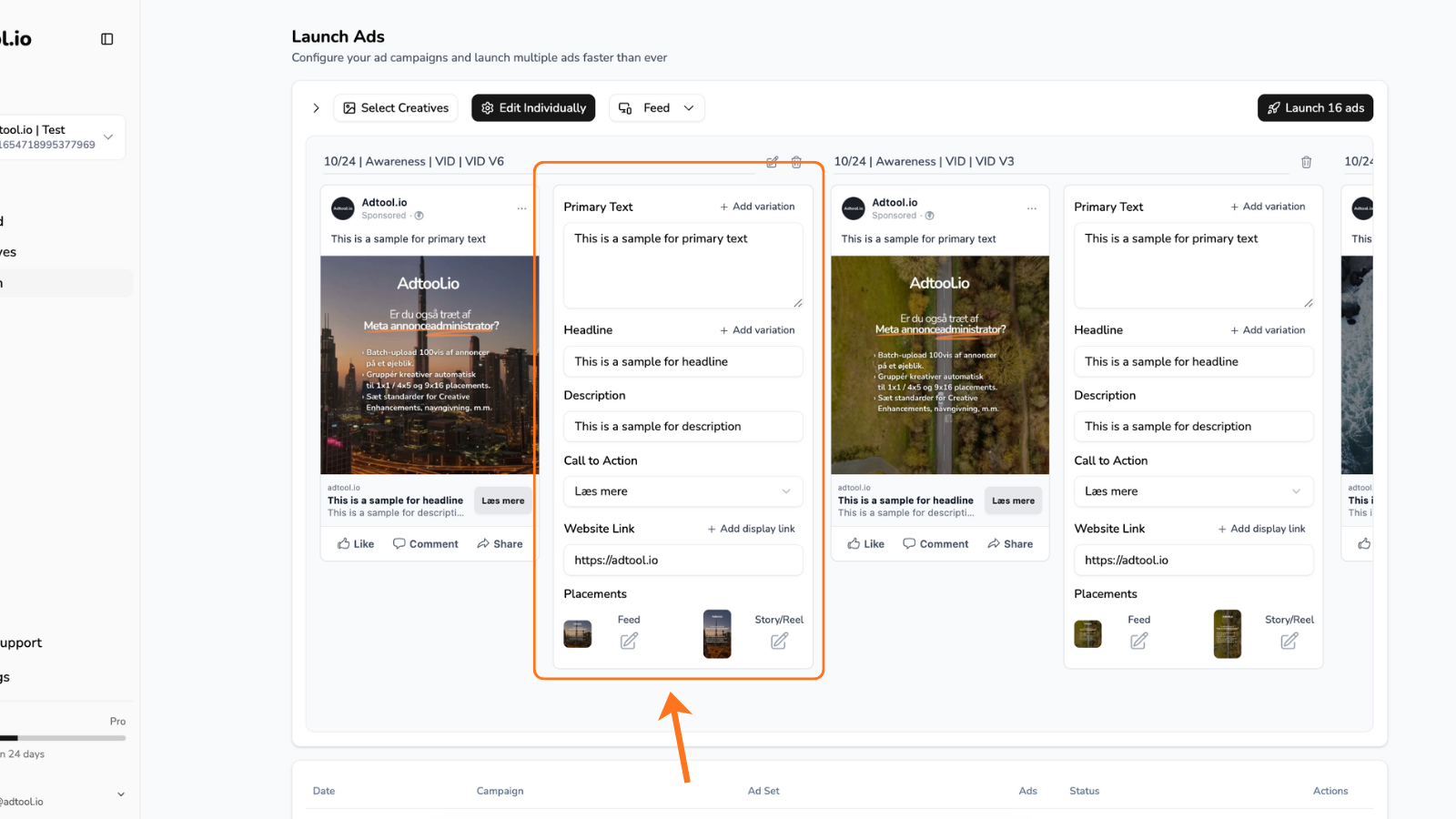
.png?fit=max&auto=format&n=PkIYf1d9B12bXwn1&q=85&s=8c16fbfbdb4c88c5f6adcdd1eac25065 "Adjust Single Ads Pn")
Find the ad(s) you want to adjust individually
Now you can edit the fields for that specific ad.When you edit one of the fields, that field will become locked.This means any later batch-level changes (like updating text for all ads at once) won’t overwrite the content in that locked field - allowing you to fully customize specific ads without affecting the rest of the batch.