

Documentation Index
Fetch the complete documentation index at: https://help.adtool.io/llms.txt
Use this file to discover all available pages before exploring further.
Video Guide
Step-by-step Guide
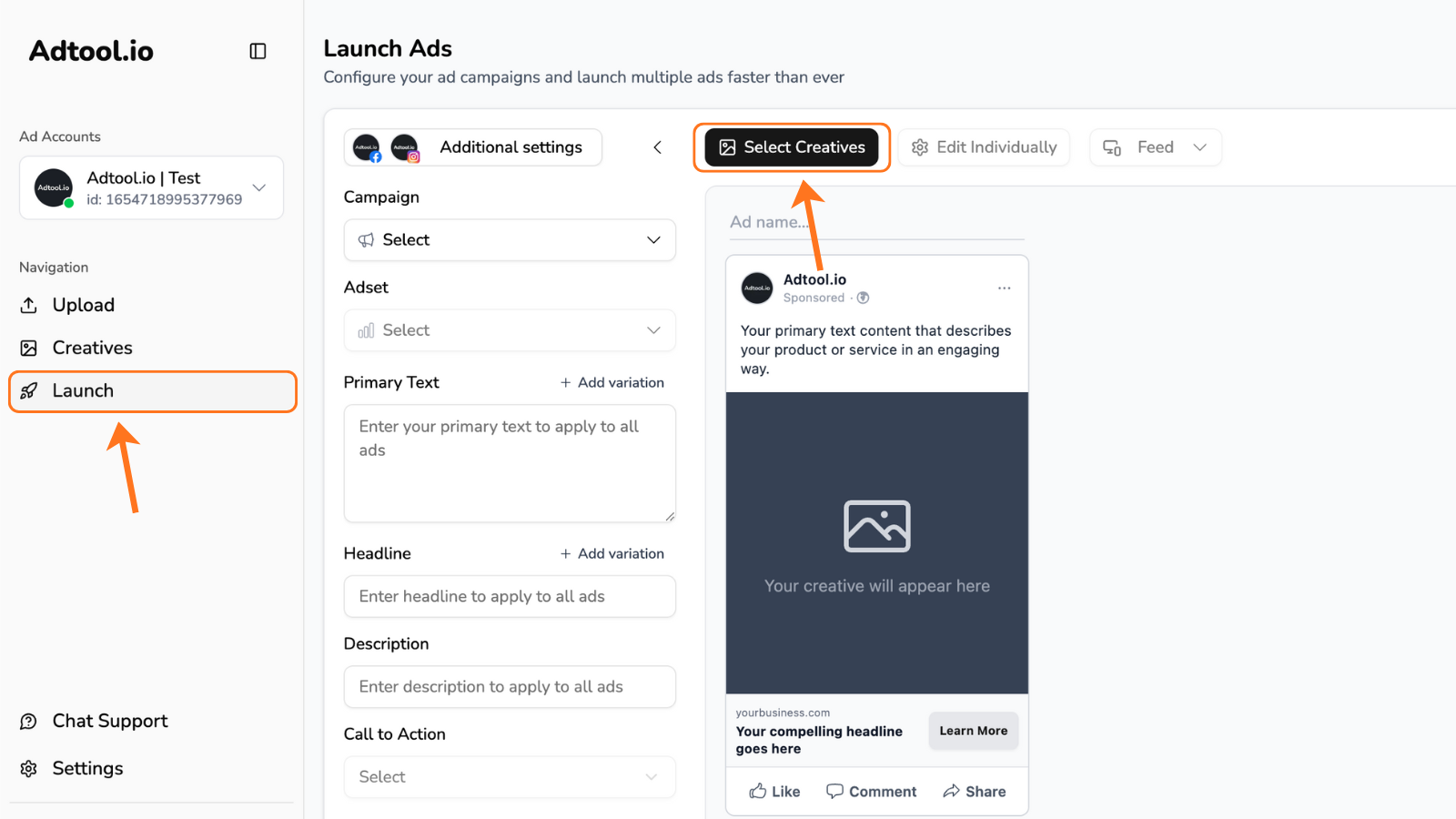
Select the creatives for your flexible ad and click 'Continue'
TIP: Find your desired creatives by using filters and/or using ‘select all’ button.You can also click and drag the mouse to easily select your creatives.
Next step is to group creatives for the flexible ads
You can group your flexible ad, but dragging the creatives into the flex ad group.
Now you can click “Continue” to start adding your primary text and other details.
Make sure to fill out all remaining information such as: primary text, headline, description, CTA, etc.Tip: Always review the previews for each placement to ensure your creatives display correctly.