Documentation Index
Fetch the complete documentation index at: https://help.adtool.io/llms.txt
Use this file to discover all available pages before exploring further.
Video Guide
Step-by-step Guide
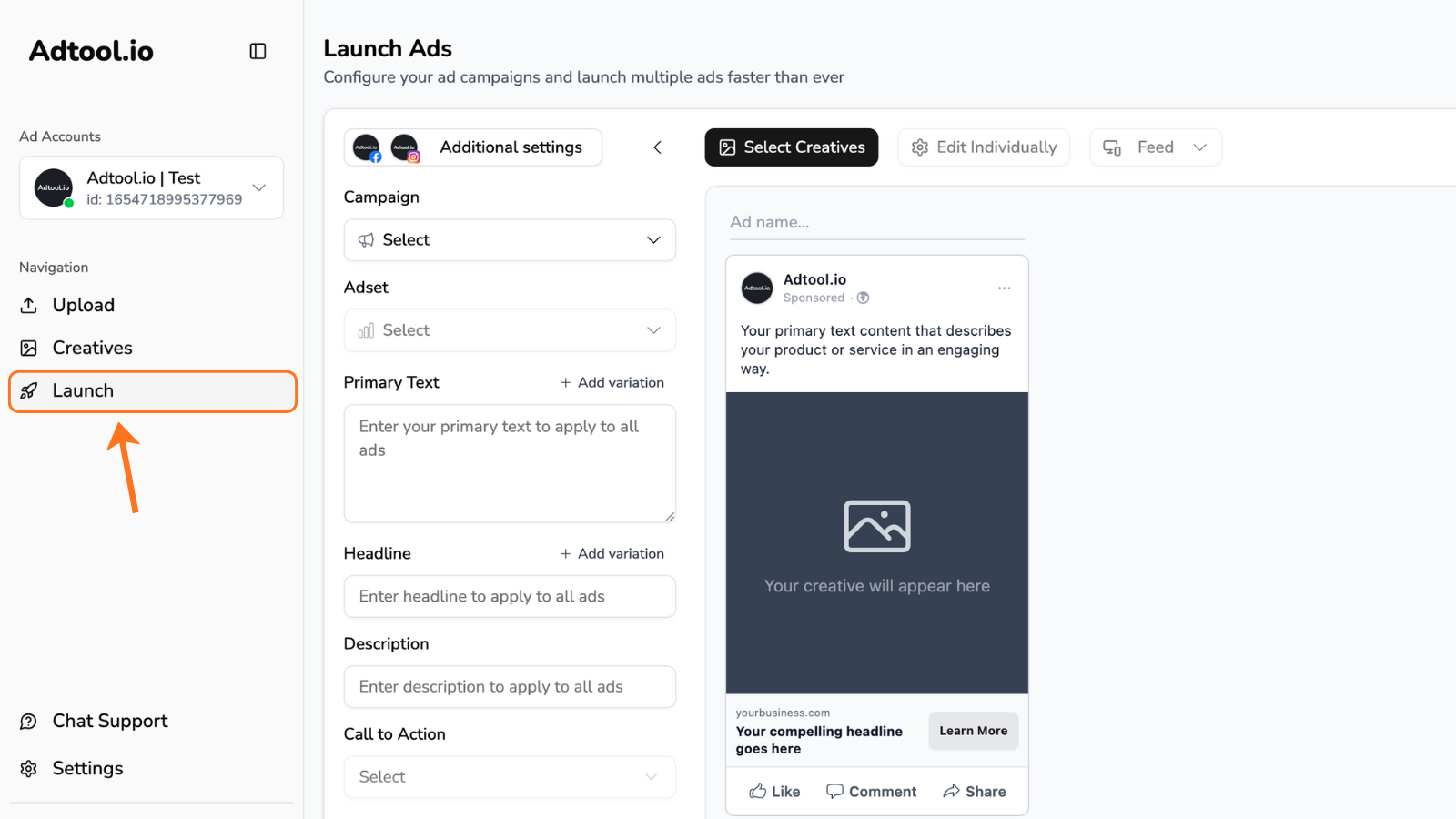
Scroll down to the batch upload history and click the rocket icon next to the batch you want to relaunch.
You can choose any previous upload to retrieve all the settings and assets and start launching from there.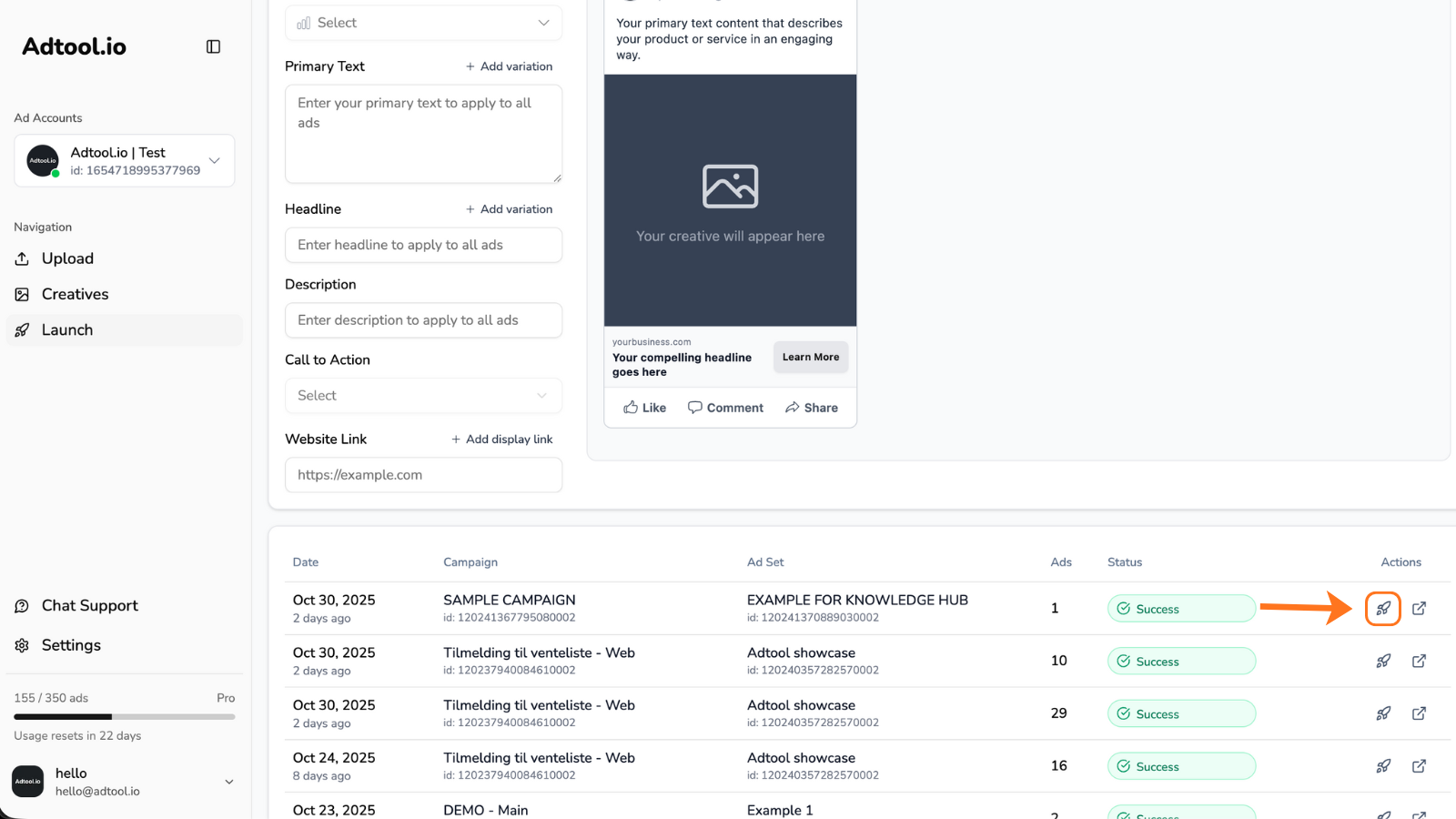
Now you can make adjustments or launch as is
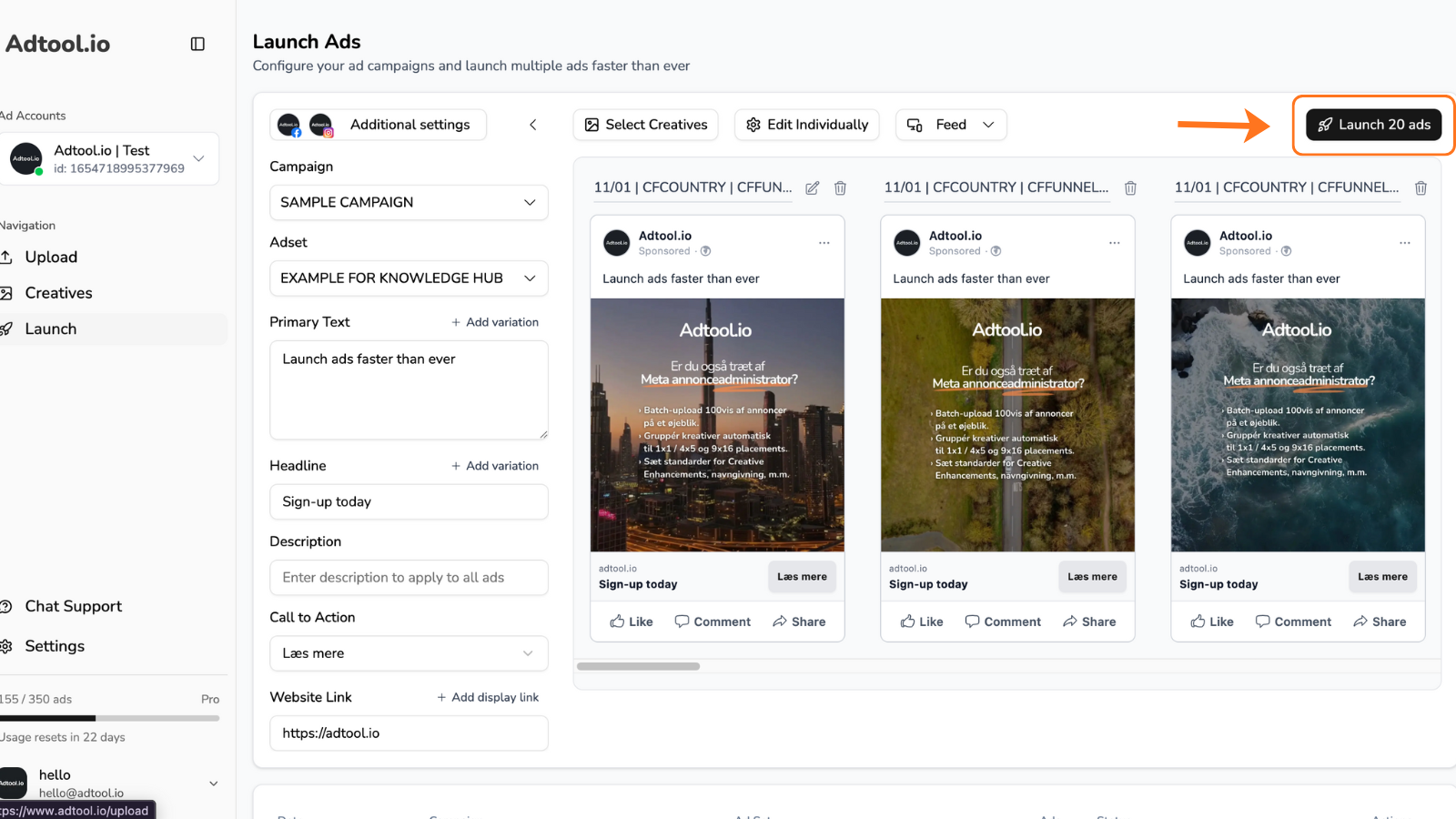
You’ll now notice that all text fields, creatives, settings - everything appear exactly as they did during your previous upload.From here, you can make any adjustments you need to text, creatives, campaigns, naming, or other settings before launching again.Note: Ads in Adtool aren’t locked within a campaign hierarchy like in Meta. You can freely launch the same ads into completely different campaign objectives without losing any of the assets you’ve created.